
Seedream 5.5 AI Image Generator
Seedream 5.5 combines AI image generation with precise editing, native transparent backgrounds and multilingual text rendering. Create realistic portraits, product assets and detailed posters, then refine individual elements across multiple edits.

Seedream 5.5
Seedream 5.5 is not available yet. Choose another model to keep creating while you wait.
Seedream 5.5 Image Generation and Editing Features
Generate from text, work from reference images and edit an existing design. Seedream 5.5 handles photographic detail, targeted revisions, text-heavy layouts and changes to lighting within the same image workflow.
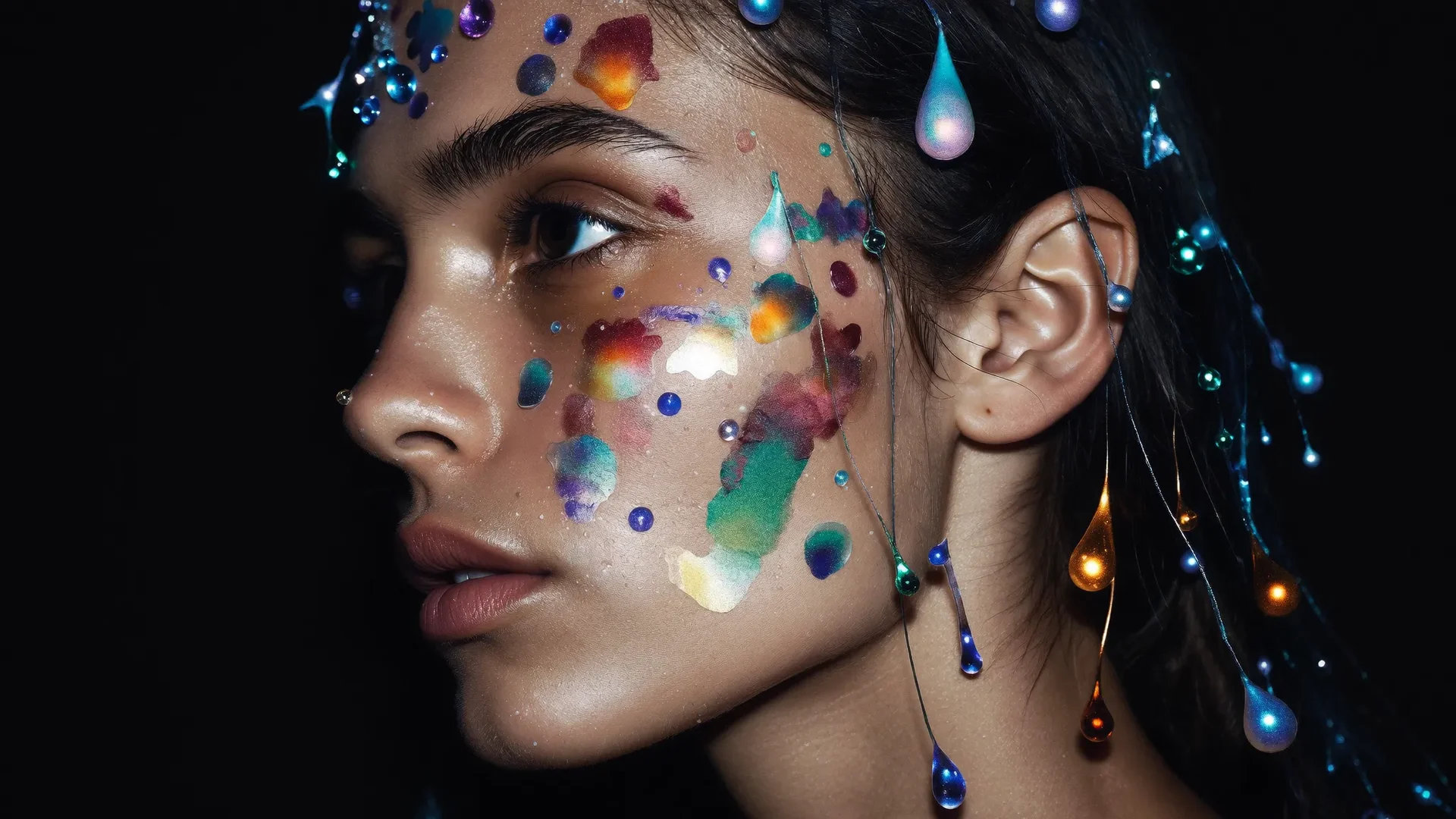
Photorealistic Portraits, Skin and Materials
Seedream 5.5 renders portraits with natural skin texture, expressive faces and detailed materials. Makeup, jewelry, glass and fabric respond to the scene’s lighting, giving close-ups depth and definition. The same capability extends to product photography and lifestyle images, where surface finish, reflections and contact shadows help objects sit convincingly in their surroundings.
Seedream 5.5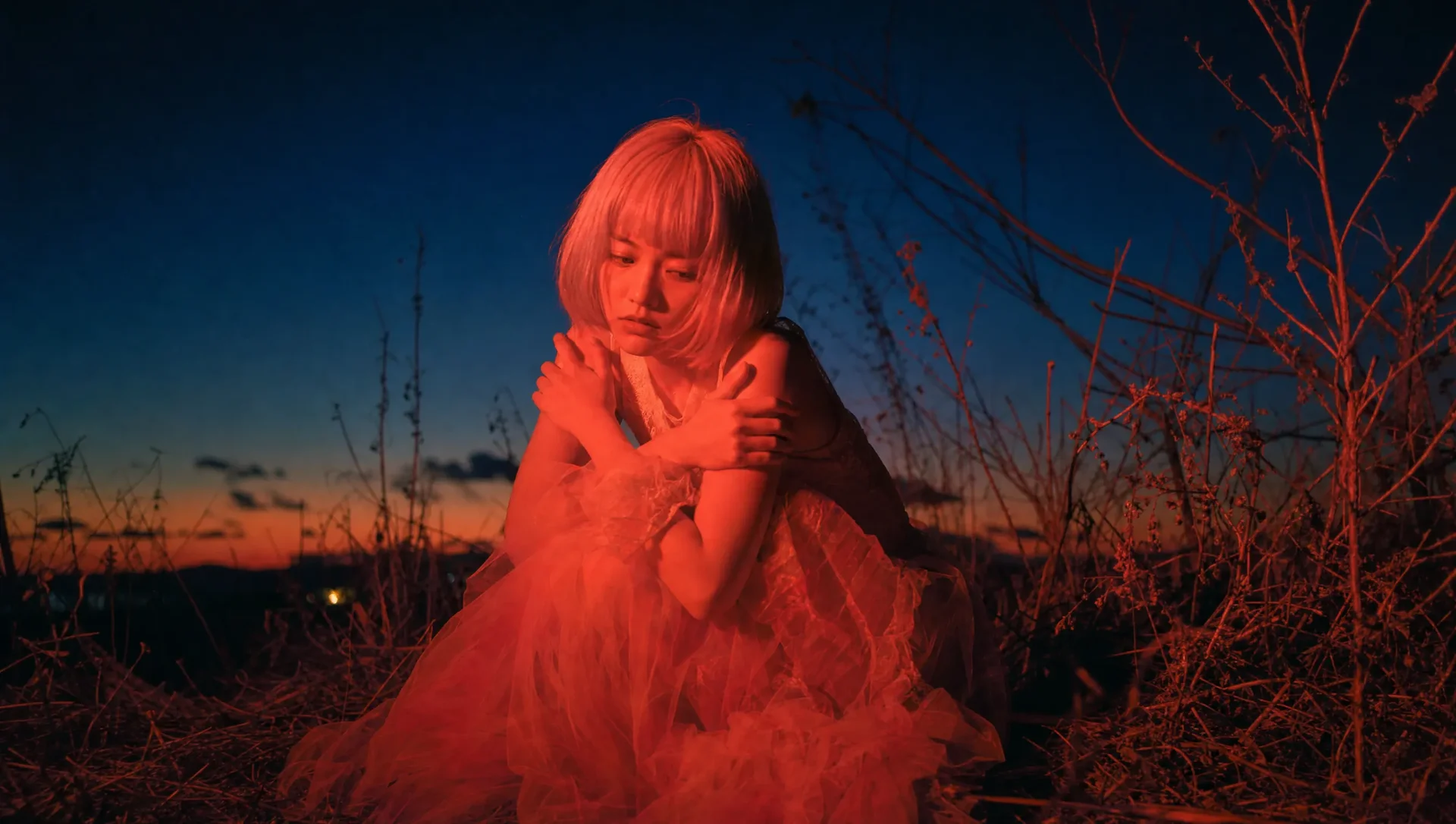
Precise Local Changes Across Multiple Edits
Change a garment’s color, replace its material or adjust an accessory while preserving the rest of the composition. Seedream 5.5 supports successive edits to selected subjects and regions, so one image can develop through several revisions. For a fashion shot, that means updating the dress, then its texture, then the backdrop without restarting the entire design.
Seedream 5.5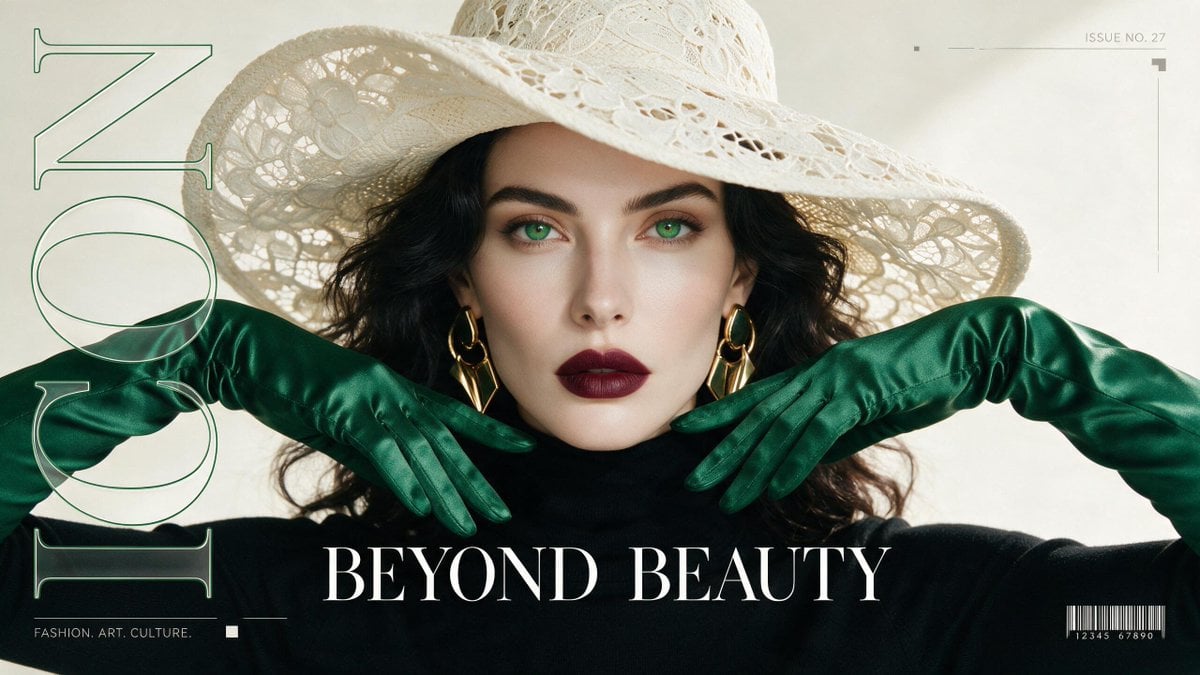
Multilingual Text and Structured Graphic Design
Seedream 5.5 generates lettering as part of the image, from large headlines to smaller supporting copy. It supports multilingual text and structured layouts for posters, infographics, product pages and editorial graphics. Titles, captions and visual elements can follow a shared hierarchy, allowing the wording and artwork to form one coordinated design.
Seedream 5.5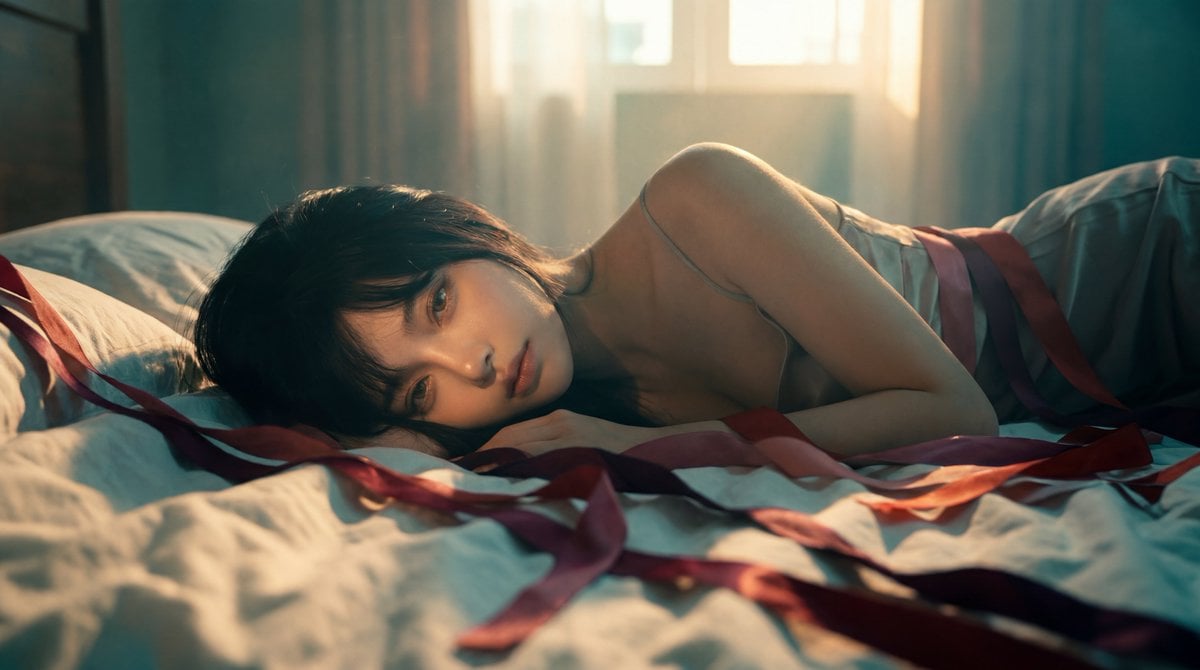
Portrait Relighting and Cinematic Atmosphere
Seedream 5.5 supports lighting changes that reshape the mood of a portrait or scene. Explore soft window light, hard directional shadows or colored illumination while keeping the subject central to the composition. Its portrait capabilities also cover retouching, restoration and changes to makeup or clothing, connecting lighting adjustments with practical photo editing.
Seedream 5.5How to Create and Edit With Seedream 5.5
Begin with a new image or an existing reference, then develop the result through specific changes.
1. Describe an Image or Add a Reference
For a new Seedream 5.5 image, describe the subject, setting and intended output: a portrait, product asset or poster. For editing, start with the image you want to change. Reference images can establish a person, object or visual style that would be difficult to specify through words alone.
2. Specify the Content and the Changes
Write out any required headline or label, and describe where it belongs. For a transparent asset, request a transparent background and identify any translucent materials. For an edit, name the object or region to change and the details to preserve. Keep separate revisions focused on one clear task.
3. Refine the Result and Save It
Compare the result with your brief, then make follow-up edits to text, color, material or lighting. Keep useful versions as starting points for additional variations. Before saving the final asset, check small lettering and important subject details; for transparent images, use an export that preserves transparency.
What Seedream 5.5 Adds to Your Image Workflow
Create reusable assets, revise approved designs and produce images that combine visual detail with useful information.
🪄 Native Transparent and Semi-Transparent Images
Seedream 5.5 generates real transparency alongside the image, including partially transparent areas. Products, stickers and decorative elements can sit over different backgrounds without a separate background-removal pass. Glass and translucent effects can retain varying opacity, making the output useful as part of a larger layered composition.
🎯 Keep More of an Approved Image
Local editing lets you concentrate a revision on the part that needs changing. Seedream 5.5 is designed to retain the subject and surrounding composition through repeated adjustments. Compared with generating the whole scene again, this gives you a more controlled way to develop color variants or respond to a specific design change.
🧩 Build From References and Previous Results
Seedream 5.5 uses visual references to guide subjects, styling and composition. A successful result can become the starting point for another version, allowing you to reuse an established product treatment or character direction. This connects separate image ideas into a workflow where each approved result contributes to the next.
🛍️ Product Assets for Multiple Backgrounds
Create an isolated product asset, then place it into storefront graphics, promotional banners or seasonal designs. Transparent output helps reuse the subject, while material and color editing supports visual variants. A bottle, accessory or package can become part of several compositions without rebuilding the product image for each placement.
🌍 Posters and Campaigns in Different Languages
Combine imagery with headlines, labels and supporting text for localized campaign graphics. Seedream 5.5 supports multilingual lettering, including scripts such as Japanese, Thai and Russian. This is useful for event posters, promotional cards and information displays where the message needs to remain part of the visual design.
📸 Portrait Retouching and Fashion Variations
Use portrait editing to explore clothing, makeup, accessories and lighting on an existing image. Seedream 5.5 can support a wardrobe study, a refreshed profile portrait or an editorial variation. Focused revisions let you compare a new styling choice against the original composition instead of commissioning a completely different scene.
Seedream 5.5 Features: Your Questions Answered
Learn how transparency, image editing, references and text generation work together.
Can Seedream 5.5 generate real transparent backgrounds?
Yes. Its native RGBA output includes an alpha channel, which records transparency for each pixel. It can represent both fully transparent backgrounds and semi-transparent materials. This differs from generating a subject against a plain white background: the transparent asset can be placed directly over another image or color.
What can I change in an existing image?
Seedream 5.5 supports targeted changes to object colors, shapes, materials and content, as well as portrait styling and lighting. You can develop a sequence of revisions around the same image. Describe what should remain consistent and compare results with the original, especially when a face or product detail matters.
Can it create small text and non-English lettering?
Yes. Seedream 5.5 supports small text and multilingual typography within images, including text-rich posters and information graphics. Supply the exact wording, language and placement rather than asking the model to invent the copy. Review names, numbers and dense text at full size before using a finished design.
How do reference images guide the result?
References provide visual information about a subject, product, style or composition. Your instructions explain how to use that information: retain a person’s appearance, borrow a palette or develop an existing layout. Assigning each reference a clear role helps separate what should be carried forward from what you want to change.
Can transparent assets be used in layered designs?
Yes. Transparent subjects and decorative elements can be combined with separate backgrounds and text in a design editor. For example, keep a product cutout on one layer and a seasonal backdrop on another. This makes it easier to reuse the image across layouts without committing every element to one flattened composition.
Can I change the lighting without creating a new portrait?
Seedream 5.5 supports portrait relighting and focused image edits. A reference portrait can serve as the starting point for warmer illumination, a different light direction or stronger shadows. Describe the expression, pose and facial features you want to retain, then review how the new light affects the face and surrounding scene.