
GPT Image 2 AI Image Generator
GPT Image 2 is OpenAI's newest image model, combining ~99% accurate text rendering across English, Chinese, Japanese, Korean, Hindi, and Bengali with 4K resolution output, up to 8 matching images per prompt, built-in reasoning, and multi-turn conversational editing—twice as fast as its predecessor.
Loading model...
GPT Image 2: Reasoning-Powered Image Creation with Readable Text
GPT Image 2 is the first image model that actually thinks before it draws—reading your prompt, checking spelling, and producing 4K visuals with text people can read.
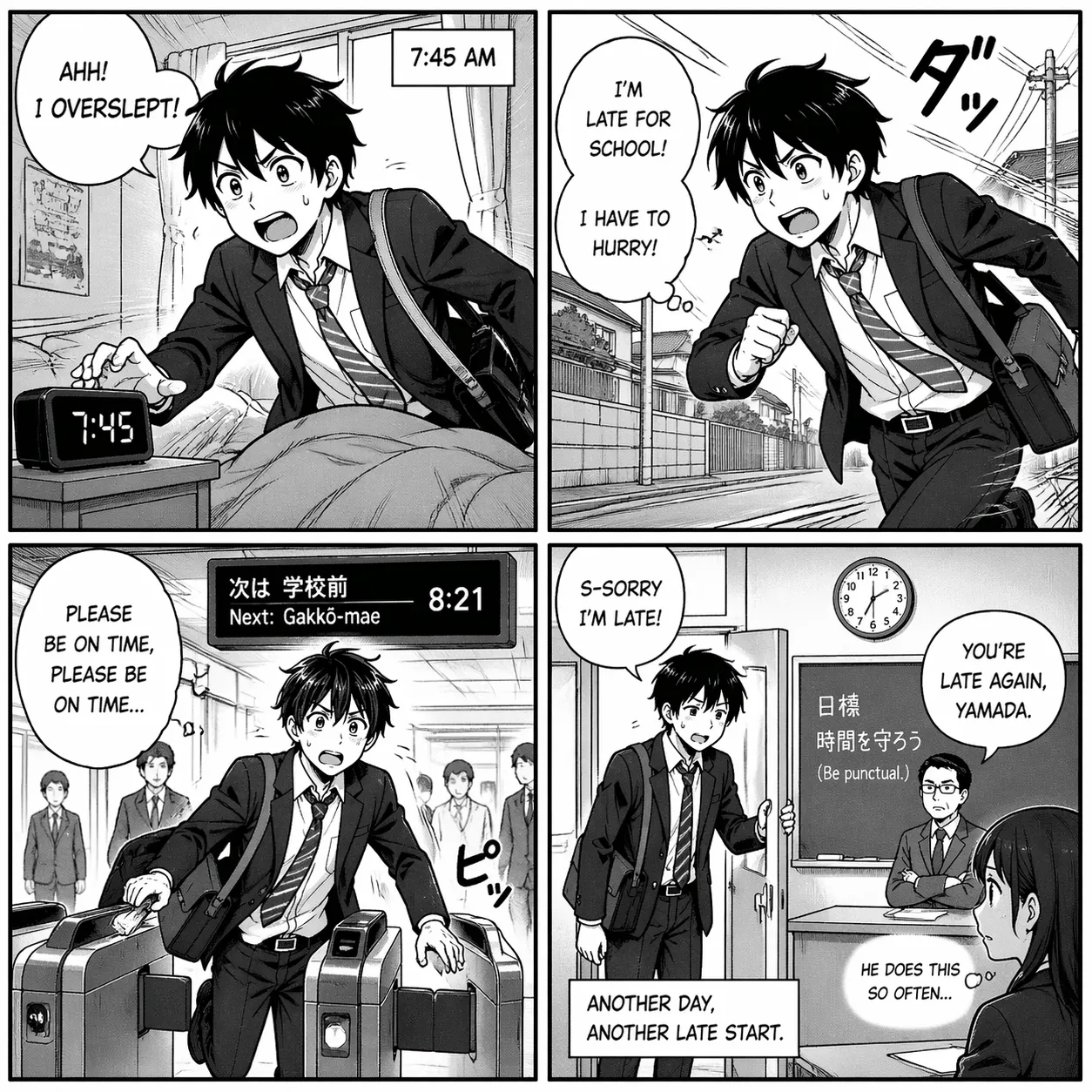
Near-Perfect Text Inside Your Images
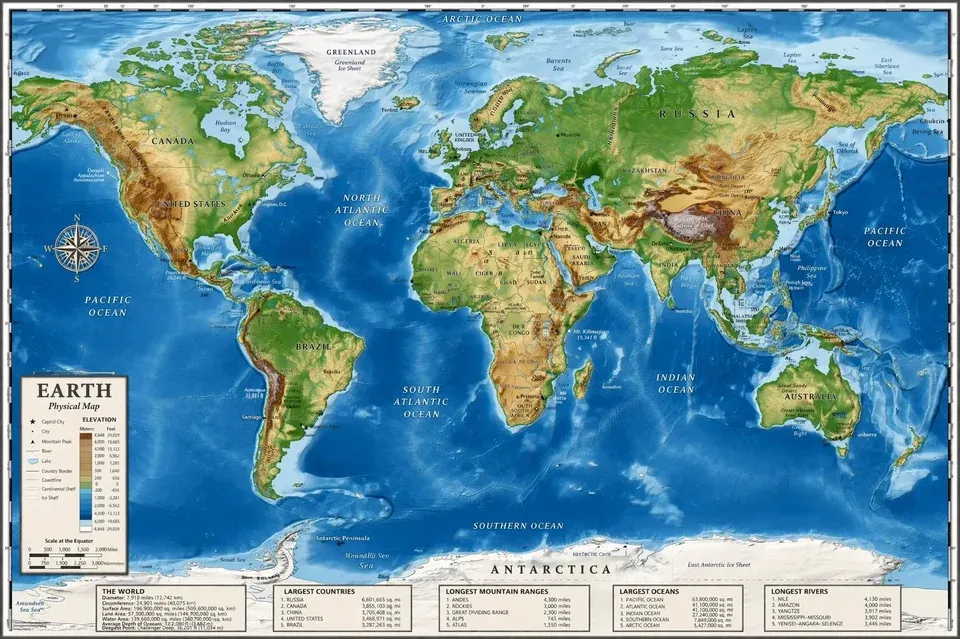
GPT Image 2 hits roughly 99% character accuracy across English, Chinese, Japanese, Korean, Hindi, and Bengali scripts. Spell-out posters, readable menus, correctly priced product labels, manga pages, and multi-line infographics all come out clean the first time—no more fixing garbled letters in Photoshop after every generation.
Sharp 4K Output, Twice as Fast
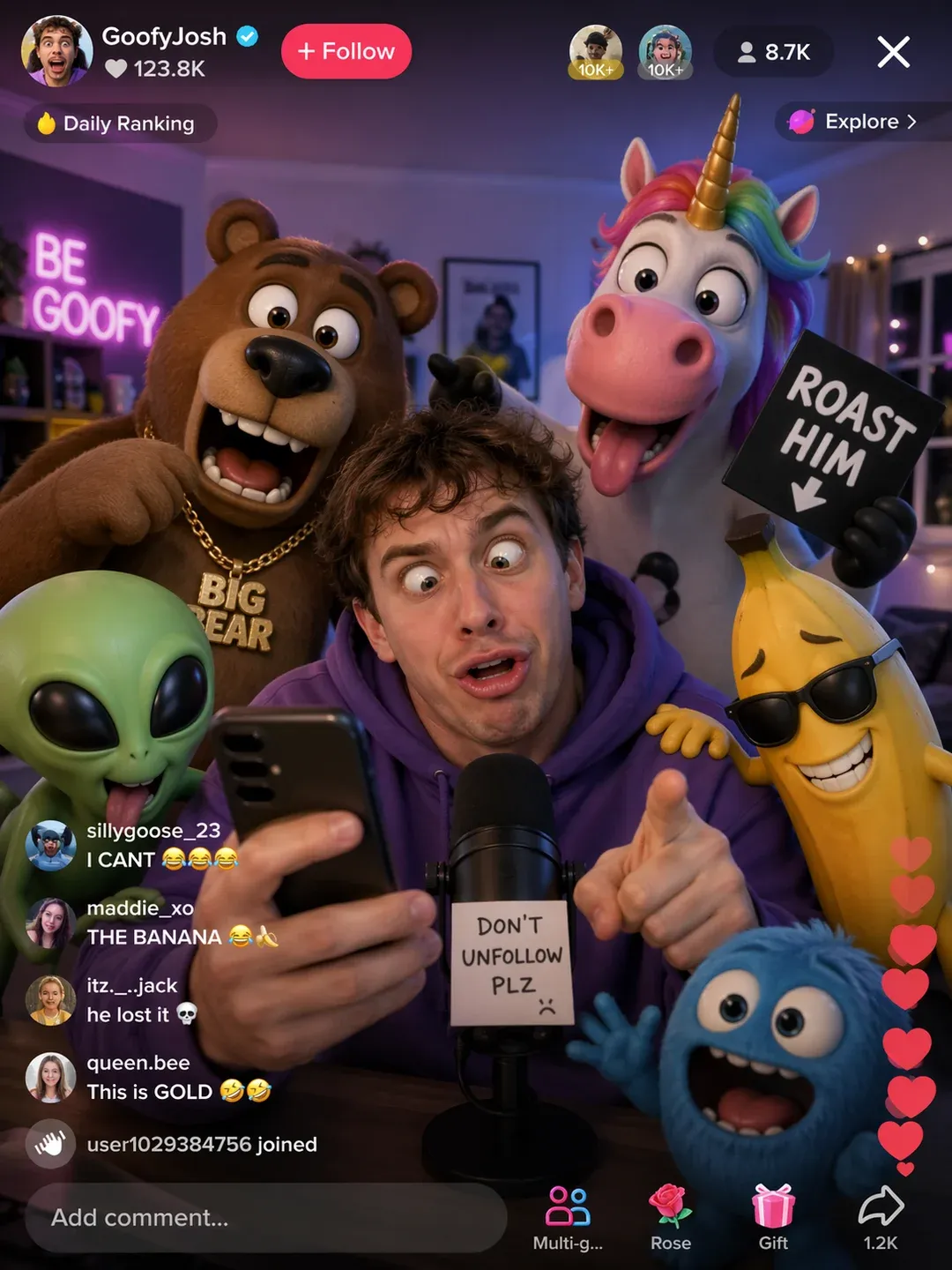
Render native images up to 4096×4096 pixels, roughly twice as fast as the previous OpenAI model. Pick from wide cinematic formats, square social posts, tall vertical banners, or anything between 3:1 and 1:3. Details hold up at poster size and on large-format displays with no upscaling tricks.
Generate 8 Matching Images from One Prompt
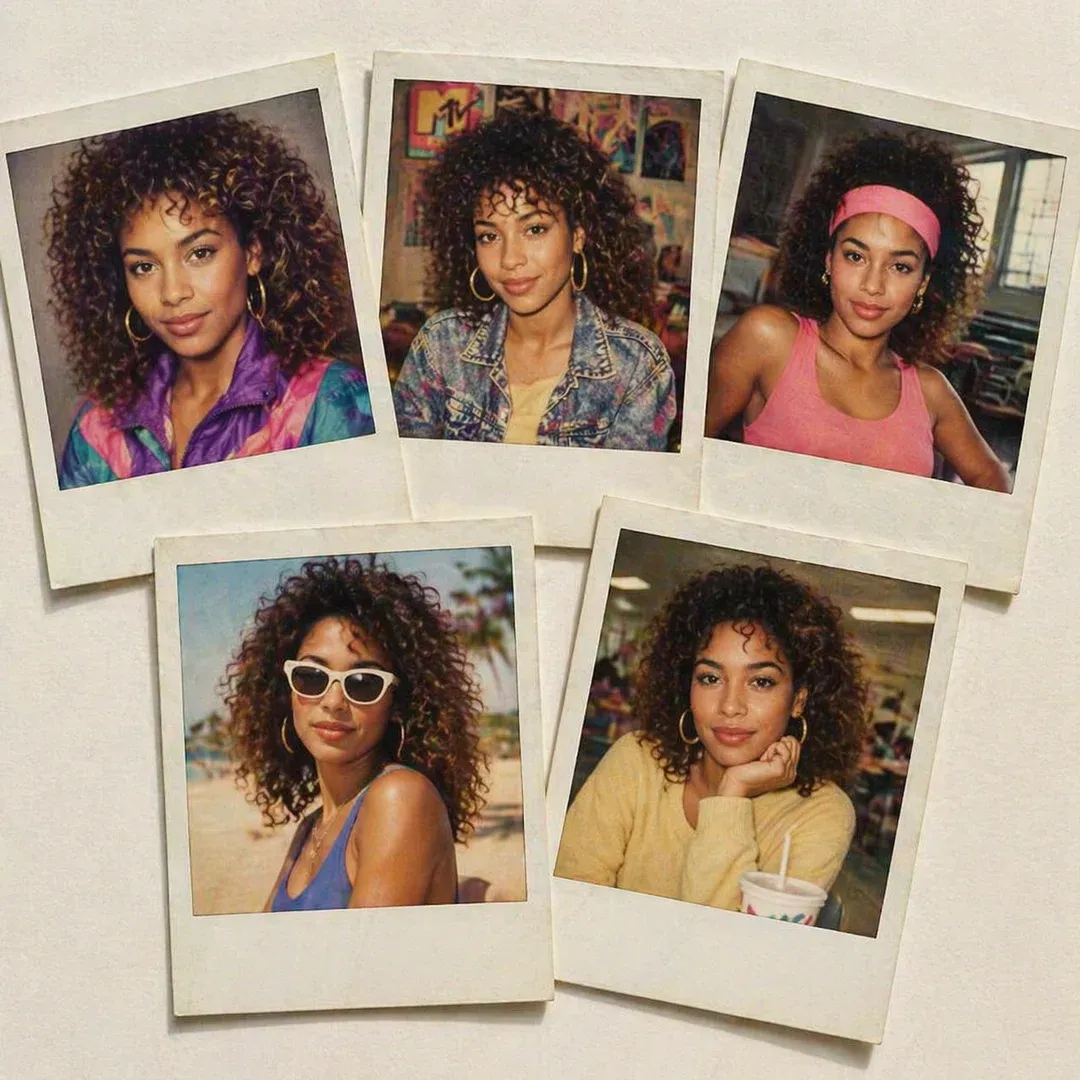
Ask GPT Image 2 for a character sheet, a storyboard, or an ad set in multiple sizes and it produces up to 8 images in one go—keeping the same faces, outfits, products, and visual style across every frame. Build brand campaigns, serialized content, and reference sheets without rolling the dice on each new generation.
Refine by Chatting, Not by Restarting
Keep iterating inside the same conversation. Tell GPT Image 2 to swap the background, remove a person from the left, recolor the packaging, or enlarge the headline—it updates only what you asked for and leaves the rest intact. No re-uploading, no re-prompting from scratch, no losing the character you liked.
From Idea to Finished Image in 3 Steps
Generate production-ready visuals with GPT Image 2—describe, configure, refine.
Write a Prompt or Upload Reference Images
Describe the scene, mood, subjects, and any exact text you want rendered in the image—GPT Image 2 spells headlines, menus, product labels, and UI copy correctly. Upload up to a few reference photos to lock in a character face, product look, or brand color palette that should stay consistent across the output.
Pick Resolution, Aspect Ratio, and Batch Size
Choose standard HD for quick drafts or 4K (up to 4096×4096) for print-ready work. Set an aspect ratio between 3:1 (ultra-wide banners) and 1:3 (tall social stories). Ask for a single hero image or a batch of up to 8 matching variations. Turn on thinking mode when you want the model to reason through a complex layout.
Generate, Then Edit by Chatting
Hit generate and your images arrive in seconds as PNG or JPEG. Not quite right? Just reply—"change the background to sunset," "remove the person on the left," "make the headline bigger"—and GPT Image 2 updates only that part while keeping everything else intact. Download the final frames when they match your vision.
What Makes GPT Image 2 Different
Concrete reasons GPT Image 2 wins for text-heavy, multi-image, and iterative creative work.
📝 Actually Readable Headlines and Labels
Hit roughly 99% character accuracy where most generators still scramble letters. Ship posters, ads, menus, and packaging with correct spelling on the first try—no retouching round after round to fix mangled typography.
🧠 Thinks Before It Draws
GPT Image 2 plans the composition, verifies spatial relationships, and even searches the web for reference before generating. Complex multi-subject prompts that used to need 5 retries come out correct much sooner.
🖼️ 8 Consistent Images in One Shot
Generate an entire character sheet, ad-size set, or storyboard in a single run while faces, outfits, and products stay identical across every frame. Other models force you to re-prompt and pray for matching results.
🌍 Real Multilingual Support, Not Just English
Reliable text rendering across Latin, CJK (Chinese, Japanese, Korean), Hindi, and Bengali scripts. Localize a campaign for multiple regions without hiring a designer per language or hand-fixing every translation.
💬 Conversational Editing That Remembers
Keep iterating in the same chat—change a color, swap a background, shrink a logo, resize text—and the model touches only what you asked for. No more rebuilding prompts from scratch or losing the look you finally got right.
⚡ Twice as Fast as the Previous OpenAI Model
Generate 4K output in seconds with speed roughly double that of the prior OpenAI image model. Iterate quickly on ad creative, e-commerce variants, and UI mockups without your creative flow stalling on every render.
GPT Image 2 FAQ
Straight answers on GPT Image 2 resolutions, formats, languages, editing, and commercial use.
What resolutions and aspect ratios does GPT Image 2 support?
GPT Image 2 outputs images up to 4K (4096×4096), with standard options like 1024×1024, 1792×1024, and 1024×1792 for everyday work. Aspect ratios range from 3:1 ultra-wide banners to 1:3 ultra-tall formats, covering square social posts, 16:9 thumbnails, 9:16 stories, and everything in between.
Which languages does the text rendering actually handle well?
GPT Image 2 hits around 99% character accuracy across Latin scripts, Chinese, Japanese, Korean, Hindi, and Bengali. That means clean headlines, menus, and labels in English, Mandarin, Japanese kanji/kana, Korean hangul, Devanagari, and Bengali script—good enough to ship to real campaigns instead of fixing each letter by hand.
How many images can I generate in one prompt?
Standard mode produces 1 image per request. With thinking mode turned on, GPT Image 2 can deliver up to 8 coherent images in a single batch, keeping the same characters, products, and visual style across every frame—ideal for storyboards, ad-size sets, and product catalogs.
What input image formats can I upload for editing?
You can upload PNG, JPEG, and WebP files as reference images or as the starting point for edits. Output is delivered as PNG (lossless, supports transparency) or JPEG (smaller files for web). Multi-turn conversational editing lets you keep refining the same image across multiple chat messages.
How is GPT Image 2 different from DALL-E 3 and GPT-4o Image?
GPT Image 2 is the replacement for DALL-E 2 and 3 and a direct upgrade over GPT-4o Image: much higher text accuracy, native 4K output, roughly 2x faster generation, and the first OpenAI image model with built-in reasoning plus web search. Character consistency across 8-image batches is also new—previous models generated each image independently.
Can I use GPT Image 2 images for commercial projects?
Yes. Images produced with GPT Image 2 can be used for marketing campaigns, advertising, product packaging, social content, client work, and other commercial purposes. You keep full usage rights to what you generate without extra licensing steps.