
AI Image Upscaler Online
Upscale any image to 2K, 4K, or 8K resolution with AI Image Upscaler. Preserve details, textures, and colors while eliminating blur and compression artifacts.
Click to upload image (Max 10 MB)


AI Image Upscaler for Professional Quality Enhancement
AI Image Upscaler uses advanced deep learning technology to intelligently enlarge images while preserving fine details and textures. The system eliminates blur and compression artifacts, delivering crystal-clear results perfect for photographers, designers, marketers, and content creators who demand professional-grade image quality.
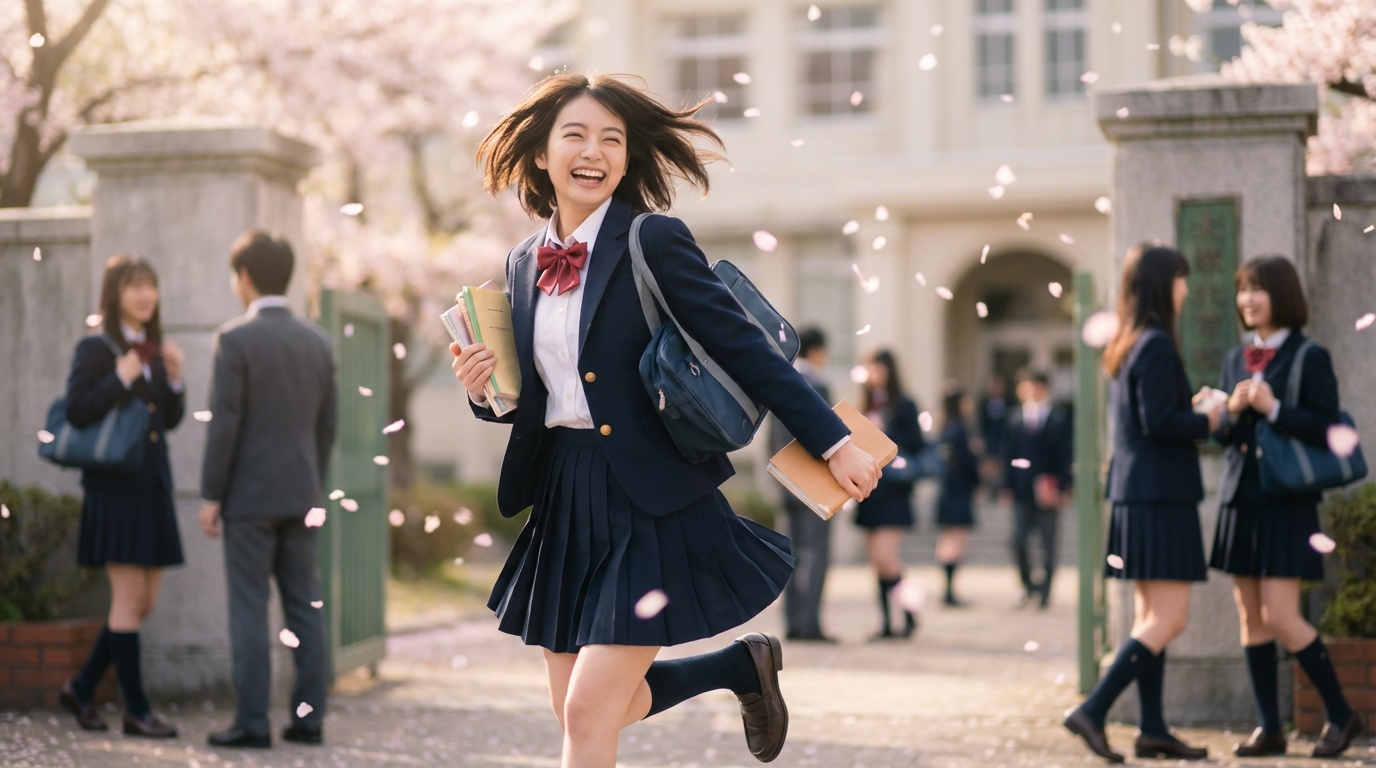
AI Image Upscaler – Multi-Resolution Enhancement
AI Image Upscaler supports multiple output resolutions including 2K, 4K, and 8K. The intelligent algorithm analyzes image content and applies optimal enhancement strategies for each resolution level. Whether upscaling product photos, portraits, or landscape images, the system maintains natural appearance while dramatically increasing pixel count. Users can select the perfect resolution for their specific needs, from web optimization to large-format printing.
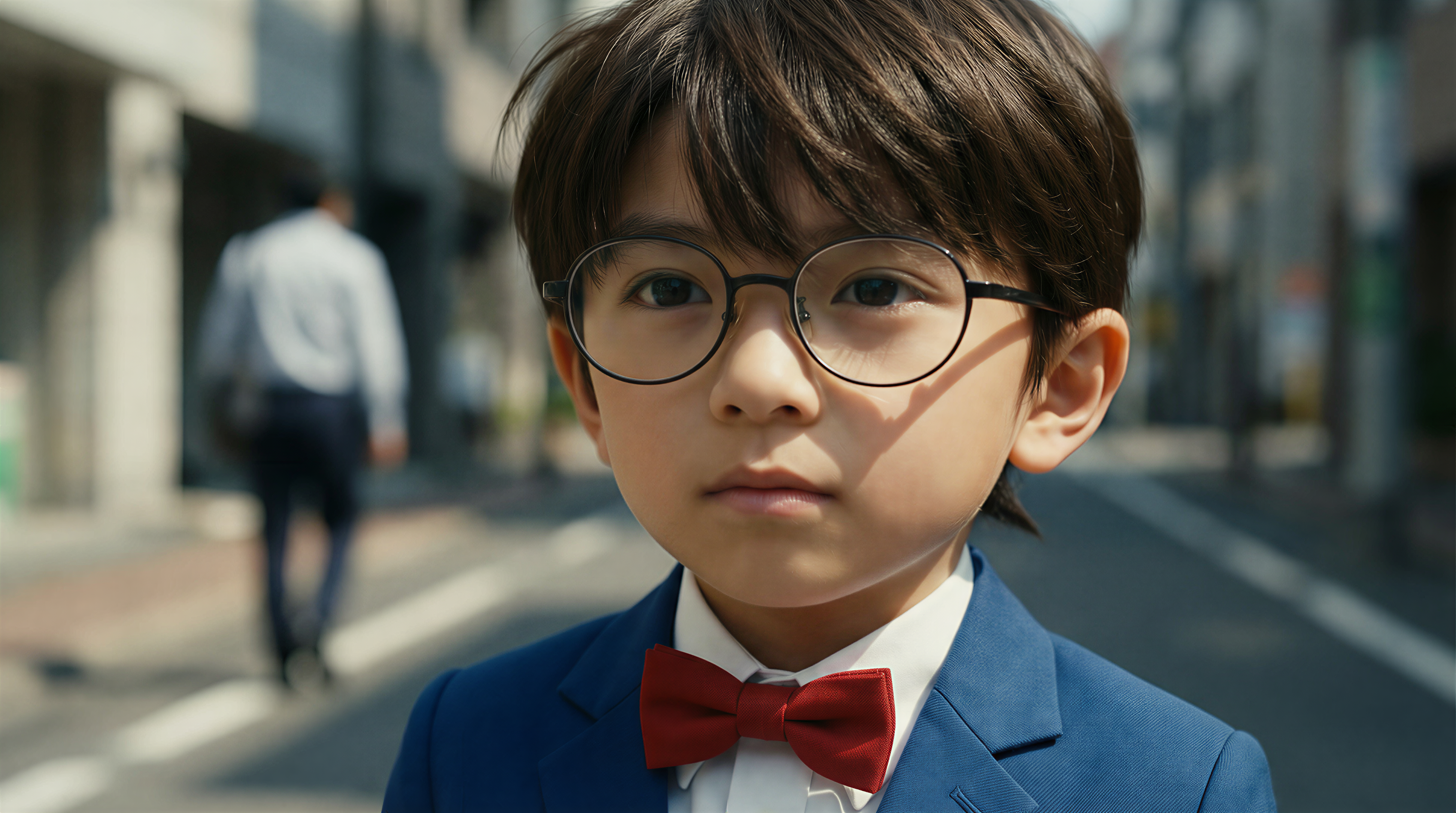
AI Image Upscaler – Detail Preservation Technology
The core strength of AI Image Upscaler lies in its ability to preserve and enhance fine details during the upscaling process. Advanced neural networks reconstruct textures, edges, and patterns that would typically be lost in traditional upscaling methods. Skin textures remain natural, fabric patterns stay crisp, and architectural details remain sharp. This technology ensures professional results that meet commercial and creative standards.

AI Image Upscaler – Flexible Output Options
AI Image Upscaler offers complete flexibility with multiple output format options including JPEG, PNG, and WebP. Each format serves different use cases: JPEG for optimized file sizes, PNG for lossless quality with transparency support, and WebP for modern web applications. Combined with resolution choices, users have full control over their output specifications to match any workflow or platform requirement.
How to Use AI Image Upscaler
Follow these simple steps to upscale your images to stunning high resolution with AI Image Upscaler
AI Image Upscaler Use Cases
AI Image Upscaler serves diverse professional and creative needs, from photography restoration to e-commerce product enhancement and digital art upscaling.
📸 Professional Photography
AI Image Upscaler transforms standard photos into print-ready masterpieces. Restore old photos, enhance portraits, and prepare images for large-format printing without losing quality.
🎨 AI Art Enhancement
Upscale AI-generated artwork to production quality with AI Image Upscaler. Preserve artistic details and textures while achieving resolutions suitable for prints, merchandise, and galleries.
🛍️ E-commerce Product Images
AI Image Upscaler enhances product photos for online stores. Create zoom-capable, high-resolution images that showcase product details and increase customer confidence.
📱 Social Media Content
Upscale images for Instagram, Pinterest, and other platforms with AI Image Upscaler. Ensure crisp, professional visuals that stand out in crowded feeds.
🖼️ Digital Asset Restoration
AI Image Upscaler recovers quality from compressed or low-resolution screenshots, scans, and archival images. Restore clarity to valuable visual assets.
📰 Marketing Materials
Prepare images for brochures, banners, and advertisements with AI Image Upscaler. Achieve print-quality resolution from web-sourced or mobile-captured images.
Frequently Asked Questions
Answers about AI Image Upscaler usage, supported formats, resolution options, and quality expectations. For additional support, contact us at [email protected]
How does AI Image Upscaler work?
AI Image Upscaler uses advanced deep learning algorithms to analyze your image and intelligently predict missing pixel information when enlarging. Unlike traditional interpolation methods that simply stretch pixels, our AI reconstructs textures, edges, and details based on patterns learned from millions of high-quality images, resulting in natural and sharp upscaled results.
What resolution options are available?
AI Image Upscaler offers three target resolution options: 2K, 4K, and 8K. The actual output dimensions depend on your original image's aspect ratio. The AI automatically calculates the optimal enhancement factor to reach your target resolution while maintaining image proportions.
What image formats are supported?
AI Image Upscaler accepts JPEG, PNG, WebP input formats. For output, you can choose between JPEG (optimized file size), PNG (lossless quality with transparency), and WebP (modern web format). Maximum input file size is 10MB.
How long does upscaling take?
Most images are processed within 30-60 seconds depending on the original size and target resolution. Higher resolutions like 8K may take slightly longer. The progress indicator shows real-time status during processing.
Will upscaling improve blurry images?
AI Image Upscaler can enhance slightly soft images and remove compression artifacts. However, severely blurred or out-of-focus images may have limited improvement. The AI works best with images that have reasonable initial quality, enhancing details that exist rather than inventing new ones.
Can I use upscaled images commercially?
Yes, all images upscaled through AI Image Upscaler can be used for commercial purposes including e-commerce, marketing materials, advertising, print media, and any other business applications without additional licensing fees.