
Qwen 3 Image AI Generator
Qwen 3 Image turns detailed creative briefs into organized, text-rich visuals. Generate or edit posters, product boards, story scenes, menus, learning materials, and interface concepts with readable multilingual copy and realistic detail.
Loading model...
Qwen 3 Image for Information-Rich Visuals
Build images that communicate as clearly as they look. Qwen 3 Image combines dense layouts, multilingual copy, lifelike detail, and guided editing in one creative workspace.

Turn a Full Creative Brief into One Design
Describe headlines, captions, panels, colors, visual hierarchy, and placement in one detailed request. Qwen 3 Image can organize newspapers, menus, presentation-style graphics, and nine-panel storyboards without forcing you to generate every section separately, making ambitious first drafts easier to explore.
Place Readable Copy Across Complex Layouts
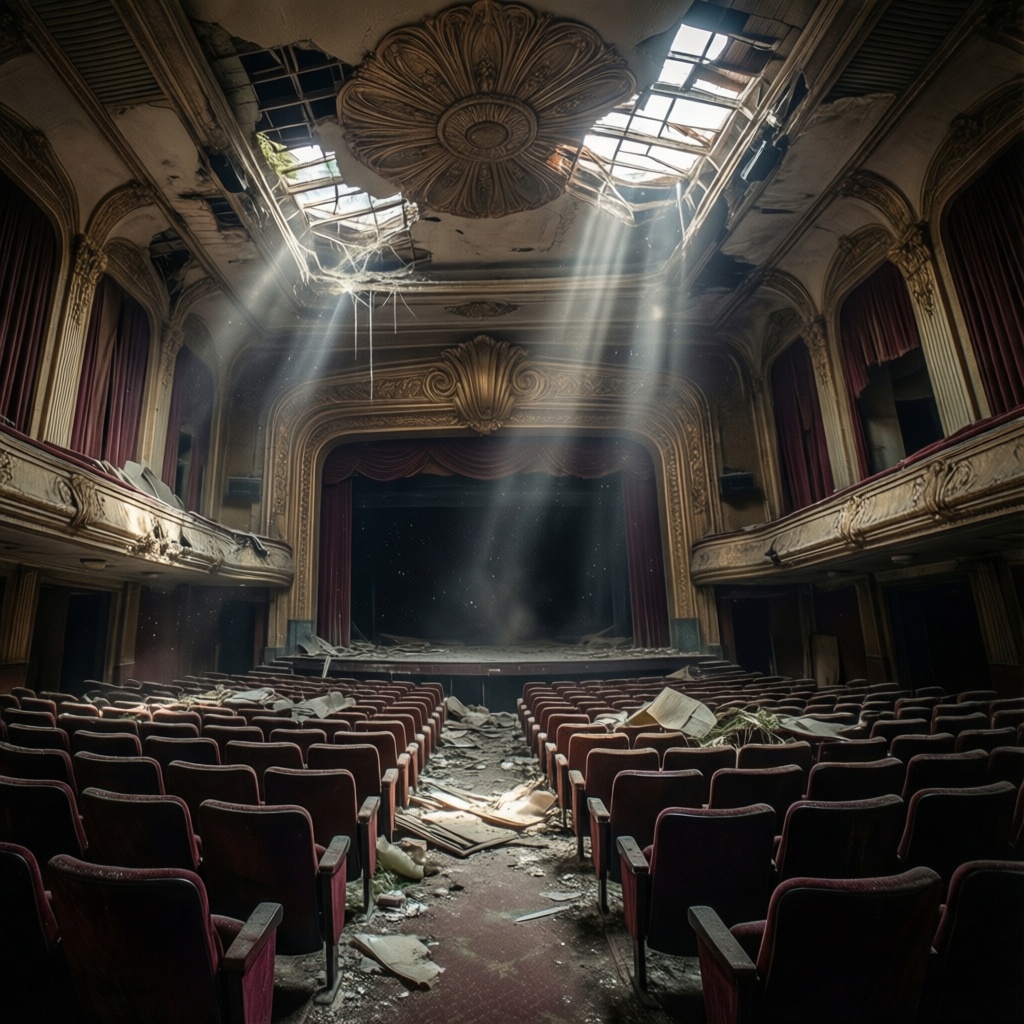
Add titles, labels, short paragraphs, callouts, and bilingual copy directly inside the picture. Qwen 3 Image supports 12 languages and more than 20 font styles, helping posters, packaging ideas, information cards, and signs carry real messages instead of scrambled placeholder lettering.
Capture Fine Texture and Human Expression
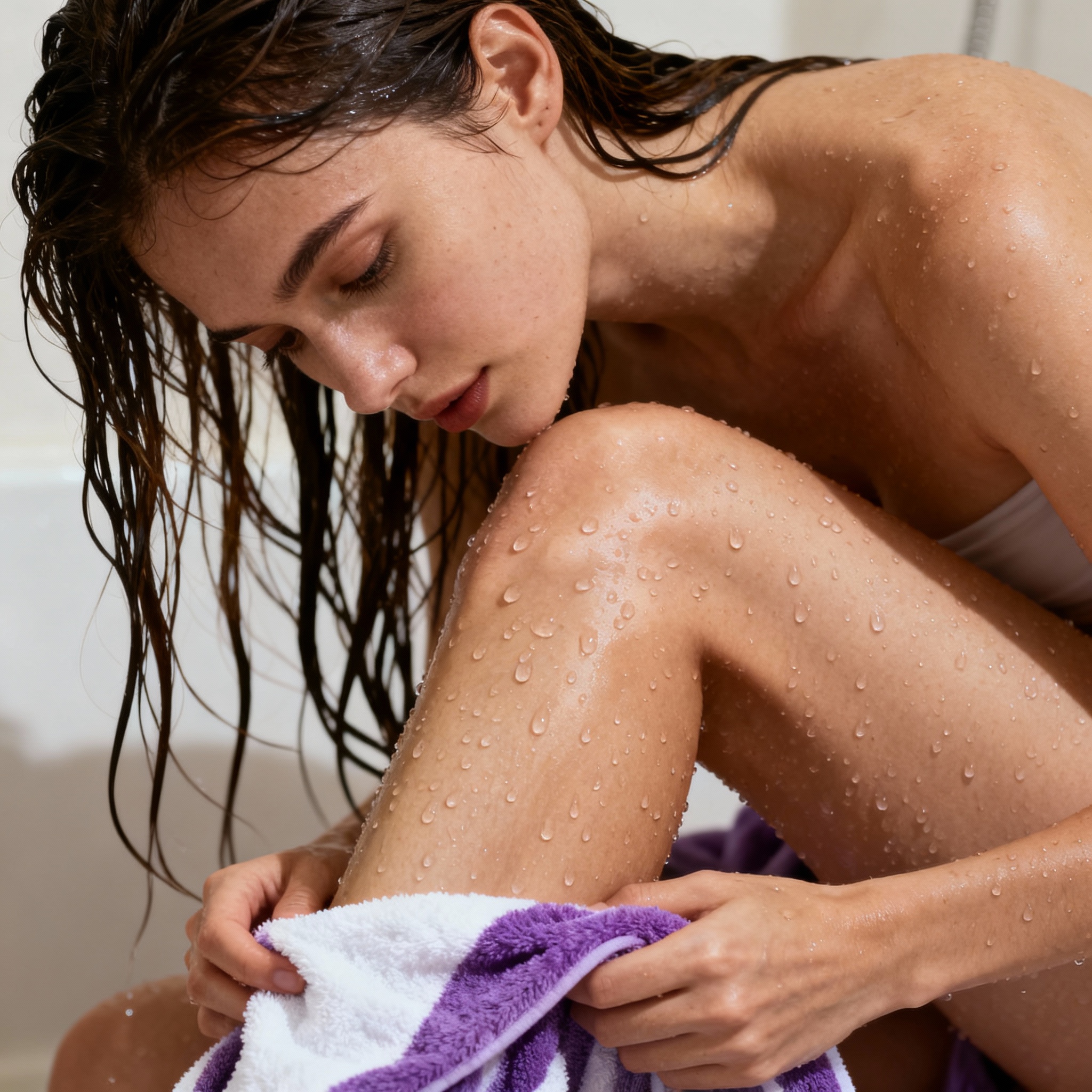
Create portraits with subtle expressions, individual hair strands, natural skin detail, and believable clothing. Qwen 3 Image also handles paper grain, food, fabric, product surfaces, and environmental lighting, so practical designs can look polished rather than like flat diagrams pasted over a generic background.

Edit with One to Three Reference Images
Start from an existing picture or combine several references with clear roles. Qwen 3 Image can preserve a person, borrow an outfit, place a product in a new setting, replace text, expand a scene, or restore a worn artwork while keeping the surrounding composition recognizable.
Build Your First Detailed Visual
Move from a structured idea to a finished PNG in three focused steps with Qwen 3 Image.
Choose Generation or Editing
Select Text to Image to begin from a written brief, or Image to Image to revise an existing visual. For editing, upload one to three JPG, PNG, WebP, GIF, TIFF, or BMP references, each no larger than 10 MB, then explain the role of every image.
Write the Content and Layout Plan
List the subject, exact copy, language, font mood, colors, sections, and placement from top to bottom. Qwen 3 Image accepts unusually detailed instructions, so you can specify a square, landscape, or portrait composition and include exclusions for objects or styles you do not want.
Set Size, Generate, and Review
Choose 1K or 2K output and the aspect ratio that fits your design, then generate the image. Download the result, zoom in to check every word and number, and make a focused edit if a label, formula, face, or small detail needs correction.
Why Qwen 3 Image Fits Real Design Work
Use Qwen 3 Image when the visual must organize copy, references, and fine details—not simply produce an attractive background.
📋 Keep More of the Brief in One Request
Ordinary generators often lose details when a request includes many sections. Qwen 3 Image can follow much longer instructions, letting you define copy, visual roles, exceptions, and layout order together instead of rebuilding the prompt after every missing element.
🔤 Spend Less Time Repairing Lettering
Many image tools are comfortable with one large title but struggle with labels and paragraphs. Qwen 3 Image is designed for denser typography, including selected examples with very small text, so your first draft starts closer to a usable composition.
🧩 Keep Nested Scenes Visually Separate
A screen inside a room, a poster inside a storefront, or nine panels inside one canvas can confuse simpler tools. This model is better at preserving those visual levels, reducing the chance that interface elements leak into the surrounding scene.
📚 Draft Clear Learning Materials
Turn a lesson outline into labeled diagrams, historical timelines, vocabulary cards, or a classroom handout concept. Keep headings and supporting illustrations together, then verify names, dates, equations, and safety-related details before sharing the final material.
🌍 Localize One Campaign Across Regions
Develop parallel poster, menu, packaging, or event concepts in several supported languages while preserving a consistent composition. This gives international teams a faster visual starting point than manually rebuilding the same layout for every language.
🎞️ Plan Stories Before Full Production
Map characters, locations, actions, and captions into a multi-panel storyboard or scene board. Qwen 3 Image can combine reference roles and organized panels, helping a team discuss sequence and framing before committing time to individual finished assets.
Qwen 3 Image FAQ
Practical answers about Qwen Image 3.0 inputs, output sizes, languages, text accuracy, detailed prompts, and responsible project use.
What image sizes and output format are available?
Qwen 3 Image supports 1K and 2K output tiers for both new generations and edits. Choose from square, portrait, landscape, and ultra-wide aspect ratios; each generation returns one finished image.
Which reference images can I upload for editing?
Upload one to three images in JPG, JPEG, PNG, WebP, GIF, TIFF, or BMP format. Each file should be 10 MB or smaller, with both width and height ideally between 384 and 2048 pixels. For animated GIF files, plan around the visible starting image rather than an animation.
Which languages can Qwen Image 3.0 place inside images?
Qwen Image 3.0 is presented with native text rendering across 12 languages and more than 20 font styles. It is especially useful for mixed-language posters, menus, signs, and information cards, but spelling, punctuation, names, and numbers should still be checked at full size.
Will every tiny word and formula be correct?
No image generator guarantees perfect small copy. Qwen-Image-3.0 shows unusually fine lettering in selected examples, yet independent reviewers still found that tiny text, equations, QR codes, and dense factual diagrams need human review. Use larger type for essential copy and correct errors with a focused edit.
How should I structure a long prompt?
Start with the purpose and audience, then list the canvas shape, visual style, exact text, major sections, and placement order. Describe references by number, such as “use image one for the person and image two for the product.” End with unwanted elements and the details that must remain unchanged.
Can I use the finished images for business or client work?
You can create product concepts, campaign drafts, presentation visuals, learning materials, and client-facing designs, provided you have permission to use uploaded people, logos, artwork, and source images. Review generated copy and factual claims, and follow the usage terms that apply to your account and project.