
SoulGen AI: Give Your Character a Visual Identity
Explore realistic portraits and anime characters through prompts and reference images. Develop a recognizable subject, compare visual directions and refine the details that give your scene personality.
Loading model...
SoulGen AI Image Creation, from Description to Detail
Build a character through words, visual style and image references.
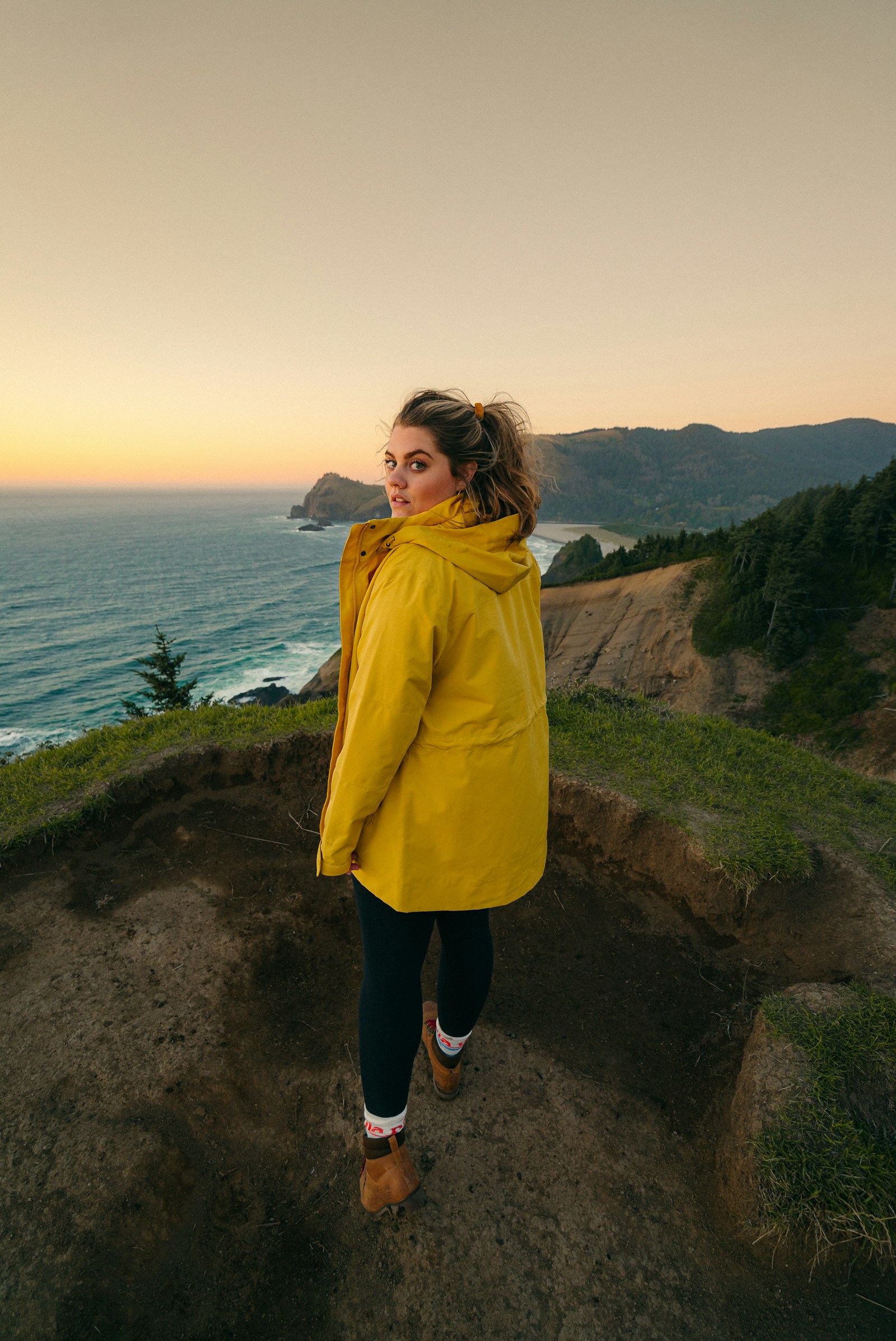
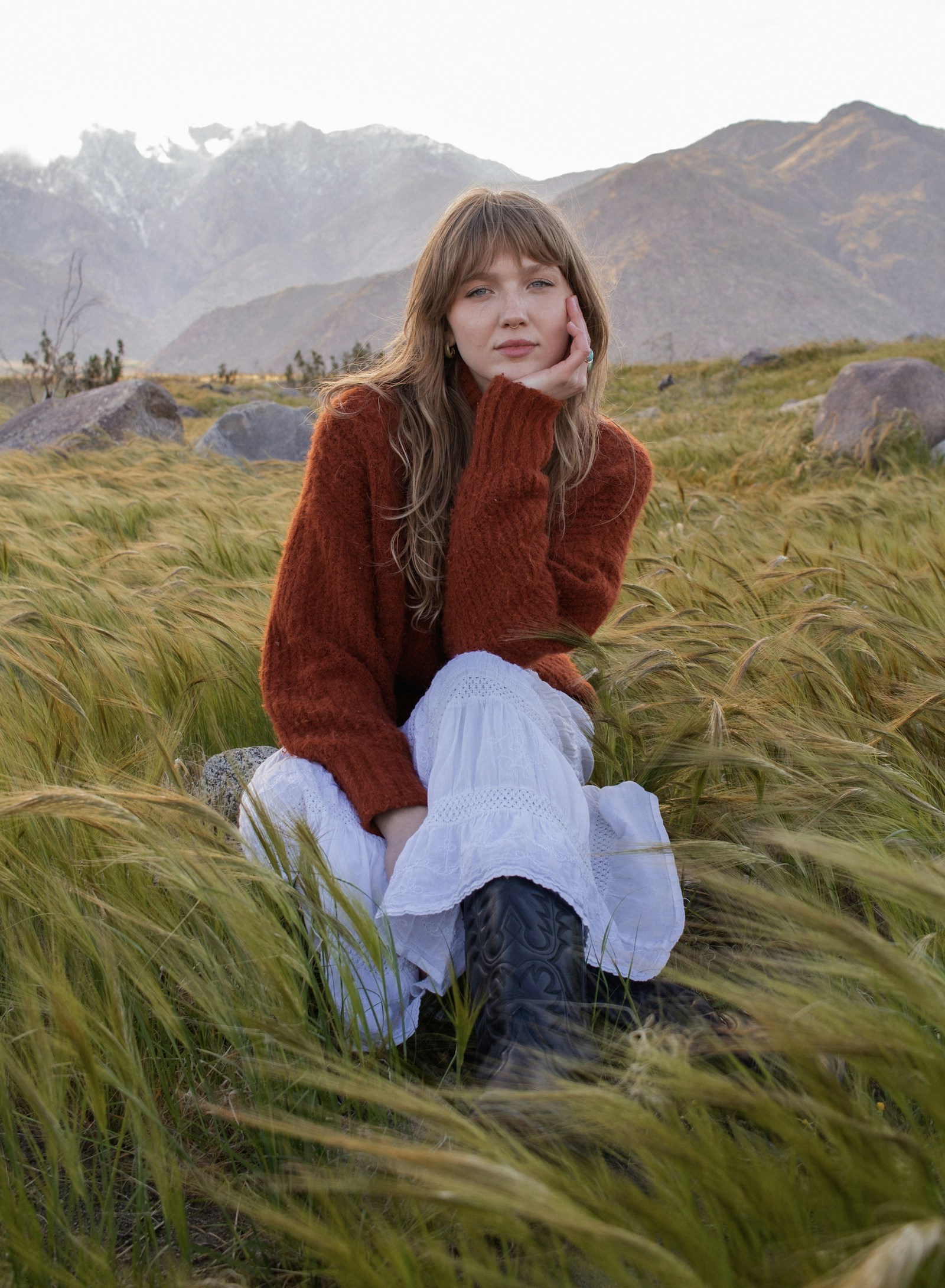
Describe a Character and the World Around Them
SoulGen AI turns a written description into a new image. Define the subject, expression, clothing and surroundings, then add the lighting or camera angle that makes the scene feel intentional. A clear description gives the image a visual center, whether you are imagining an everyday portrait or an illustrated character in a fictional setting.
SoulGen AI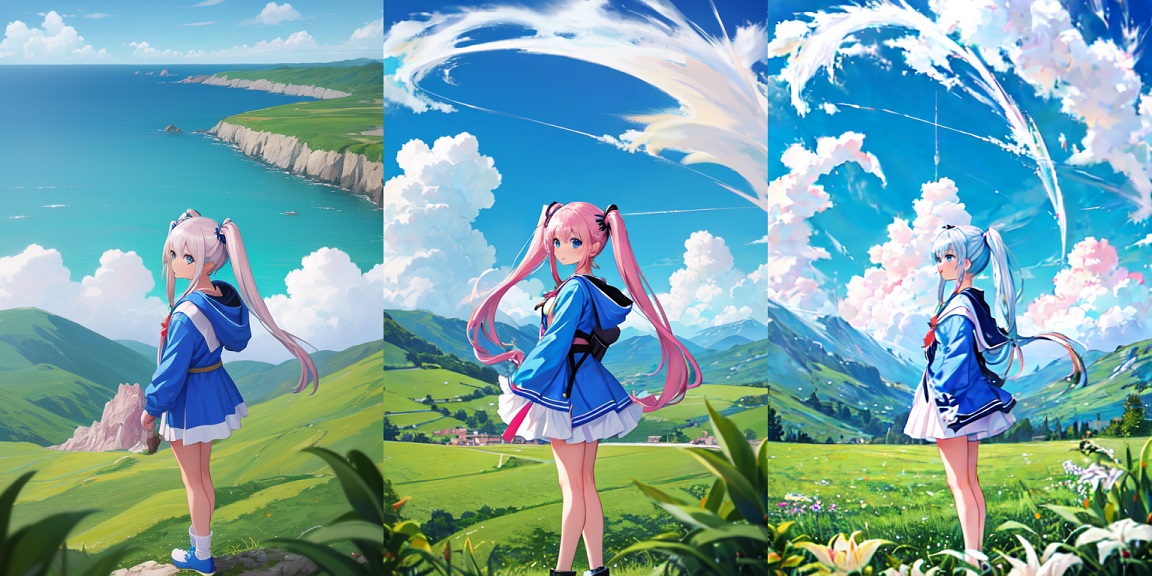
Choose Realistic Detail or Anime Expression
SoulGen AI supports both realistic and anime image creation. Realistic styling can emphasize light, fabric and natural facial detail, while anime styling changes the drawing language through expressive features and illustrated color. Establish the treatment early, then keep the prompt consistent with it so that the character and background belong to the same visual world.
SoulGen AI
Use a Reference to Guide Character Appearance
A reference photo gives SoulGen AI a visual starting point for character appearance. Combine the image with a description of the new scene, identifying the features you want to carry forward. Reference guidance helps communicate an idea that can be difficult to express in words alone, although expression, proportions and likeness still need checking in each result.
SoulGen AI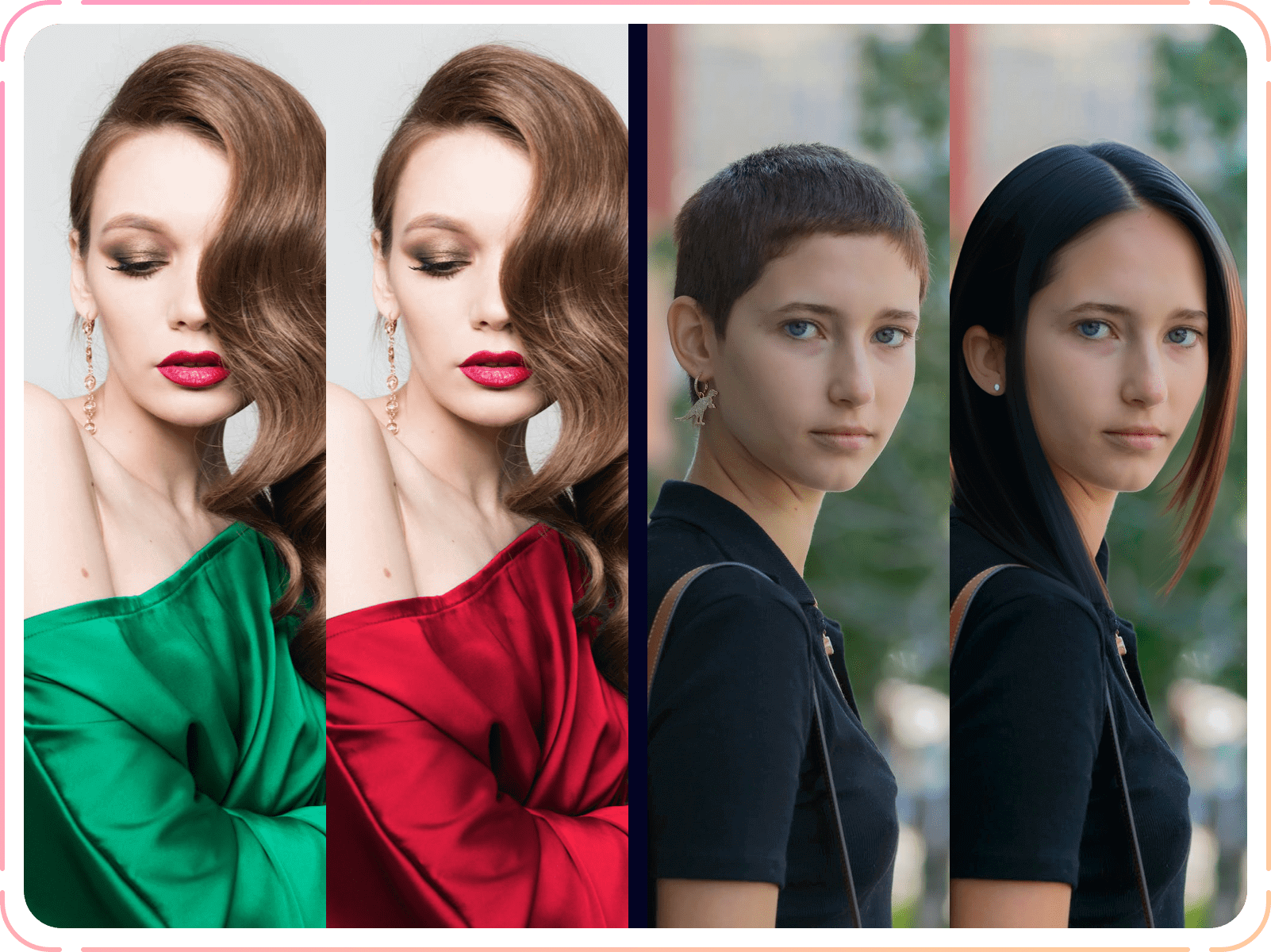
Revise an Image with Written Instructions
SoulGen AI includes image editing for adding, removing or transforming visual elements through text instructions. Start with an existing picture and describe the adjustment you want, keeping the request specific enough to evaluate. Editing gives you another way to develop a promising composition; compare each revision with the original because surrounding details may also change.
SoulGen AIBring Your Visual Brief into the Image Studio
Explore a character concept with the available image models above, then review and save your picture.
1. Write or Upload Your Starting Point
Select an available image model. Describe a subject, setting and visual style for a new image, or choose image editing and upload a reference. Separate the details you want to preserve from the changes you want to explore.
2. Choose the Framing
Set an aspect ratio and resolution offered by your selected model. A portrait frame keeps attention on a character; a wider image gives the surroundings more space. Match your prompt to that composition before starting generation.
3. Inspect and Save the Result
Review the preview for expression, framing and unwanted details. Adjust one instruction for another attempt or use an editing reference. Download your preferred version and keep the prompt for future exploration.
Why Explore SoulGen AI Character Images?
Connect appearance, artistic treatment and scene choices, with space for revision.
🎨 Two Distinct Visual Languages
SoulGen AI supports realistic and anime styles. Compared with a single-style workflow, these options let you explore whether a character reads better through photographic detail or expressive illustration before settling on a direction.
🖼️ Visual Guidance Alongside Words
SoulGen AI accepts reference-photo guidance for character appearance. Compared with describing every facial feature from scratch, a visual starting point can communicate the intended look more directly. Review each result for the features that matter.
🔁 A Path Beyond the First Image
SoulGen AI combines generation with editing and canvas extension. You can revisit an existing picture to change an element or explore a wider composition, rather than treating the first result as the end of the creative process.
📚 Character Concepts for Stories
Develop a fictional adult character through wardrobe, expression and setting studies. SoulGen AI gives a written character brief a visual form you can compare with your story, checking continuity as the scene changes.
📸 Portrait Direction Studies
Explore a portrait concept through framing, lighting and a clearly described outfit. SoulGen AI supports realistic character imagery that can help you discuss an intended mood before deciding which visual direction deserves further refinement.
✨ Illustrated Avatar Ideas
Try anime-style expressions, color palettes and silhouettes for an original avatar concept. Keep a short list of identifying features so that a memorable hairstyle or accessory remains part of the brief when you explore a new composition.
What Creators Are Saying About SoulGen AI
Feedback from creators exploring images and creative ideas with SoulGen AI.
Portrait Planner
For a SoulGen AI portrait brief, I would try spicy color accents against simple clothing, keeping the expression and lighting as the strongest parts of the composition.
Story Writer
I have unlimited ideas for fictional settings. My SoulGen AI exploration would start with one adult character and a quiet scene that communicates something about their personality.
Illustration Enthusiast
I would bring unrestricted imagination to a character concept, then narrow the prompt to one expression, a clear silhouette and a small palette that holds the image together.
Moodboard Maker
A no restriction creative mindset would help me brainstorm unexpected combinations. I would then pick a focused brief with a believable relationship between subject and surroundings.
Avatar Designer
My SoulGen AI concept would explore an original anime avatar with a recognizable accessory. I would compare expressions before choosing the one that best suits the character.
Visual Editor
I would begin with a composition I like and request one change. Comparing versions would help me judge whether the new detail improves the image.
SoulGen AI Image Questions
Practical answers about references, styles and image revisions.
How detailed should a character prompt be?
Give the subject, expression, clothing, setting and style in a coherent order. SoulGen AI supports text descriptions, but adding competing instructions can make the intended scene less clear. Start with the essentials and add a small number of details after reviewing the first composition.
Can the same concept work in realistic and anime styles?
Yes. SoulGen AI supports both treatments. Keep the character description consistent while changing the requested style. Expect proportions, shading and facial interpretation to shift; compare the results as different treatments of a concept.
Will a reference preserve every facial detail?
A reference guides appearance, but exact likeness and consistency are not guaranteed. Check distinctive features, expression and proportions in every result. Clear references and a focused prompt make your intended direction easier to communicate, especially when the angle or setting changes.
How is image editing different from canvas extension?
Editing changes content within a picture, while outpainting adds generated content beyond its original borders. SoulGen AI documents both capabilities. Choose editing for a visual element you want to revise and extension when the composition needs more surrounding space; results still require review.
Which aspect ratio and resolution should I choose?
Use the options available for the selected studio model. Portrait framing suits a character study; landscape leaves room for an environment. Choose a resolution for your intended viewing size, but check the composition first: a larger output does not correct unwanted details.
How can I keep a useful direction across revisions?
Save the image and its prompt, then change one major instruction at a time. Use reference editing where available and state which features should stay recognizable. Review continuity after each attempt, keeping earlier versions until you have a result you want to download.