
Promptchan AI: Give Your Image Ideas a Clear Direction
Explore Promptchan AI image features, from descriptive prompts and distinctive styles to pose control and creative variations. Bring your own visual brief to our image studio below, choose a model and develop the details that make the scene yours.
Loading model...
Promptchan AI Features for Images with More Intention
Start with what you want to see, then shape its appearance and composition. These image capabilities connect a simple description with a visual direction you can refine.
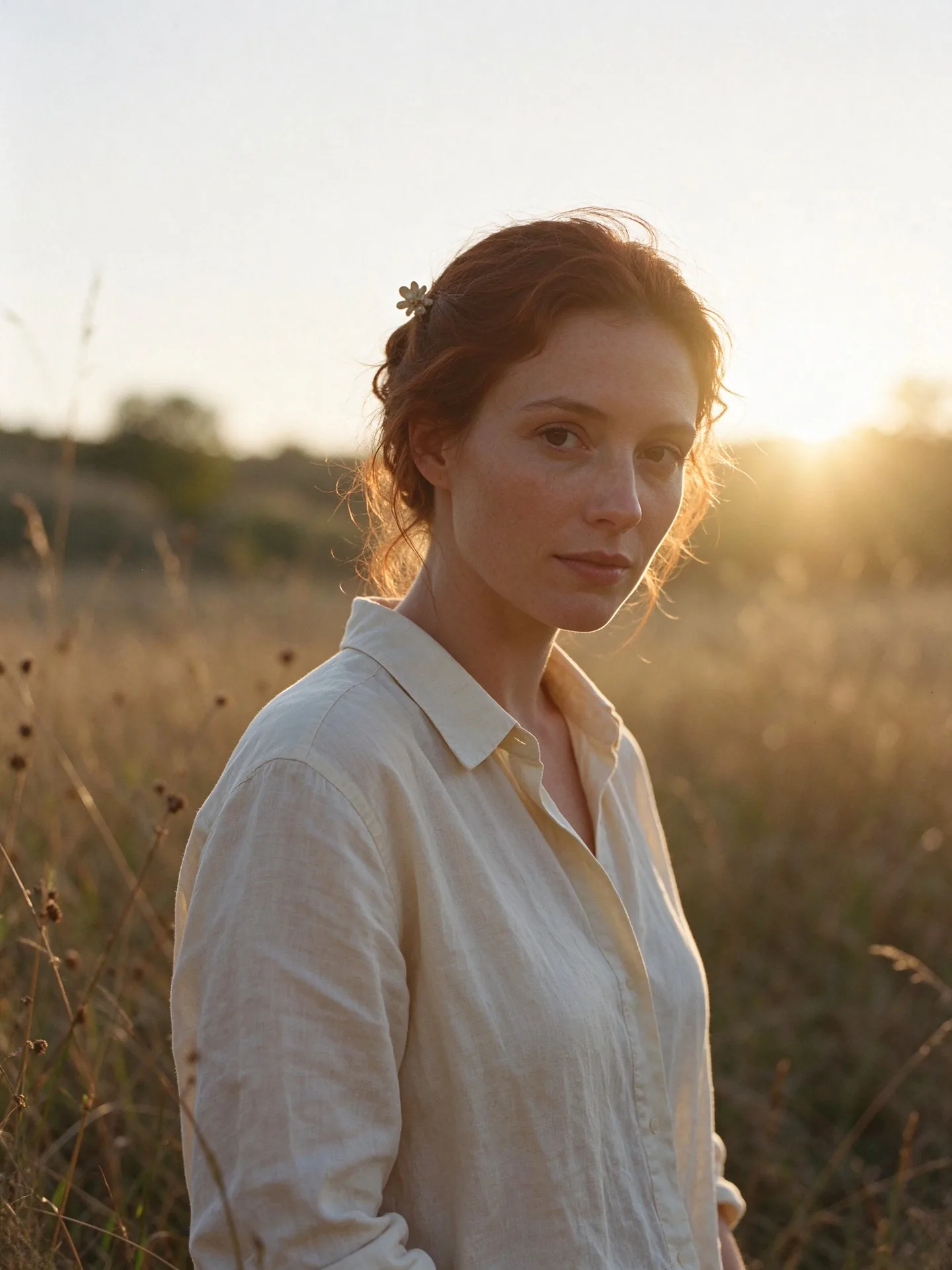
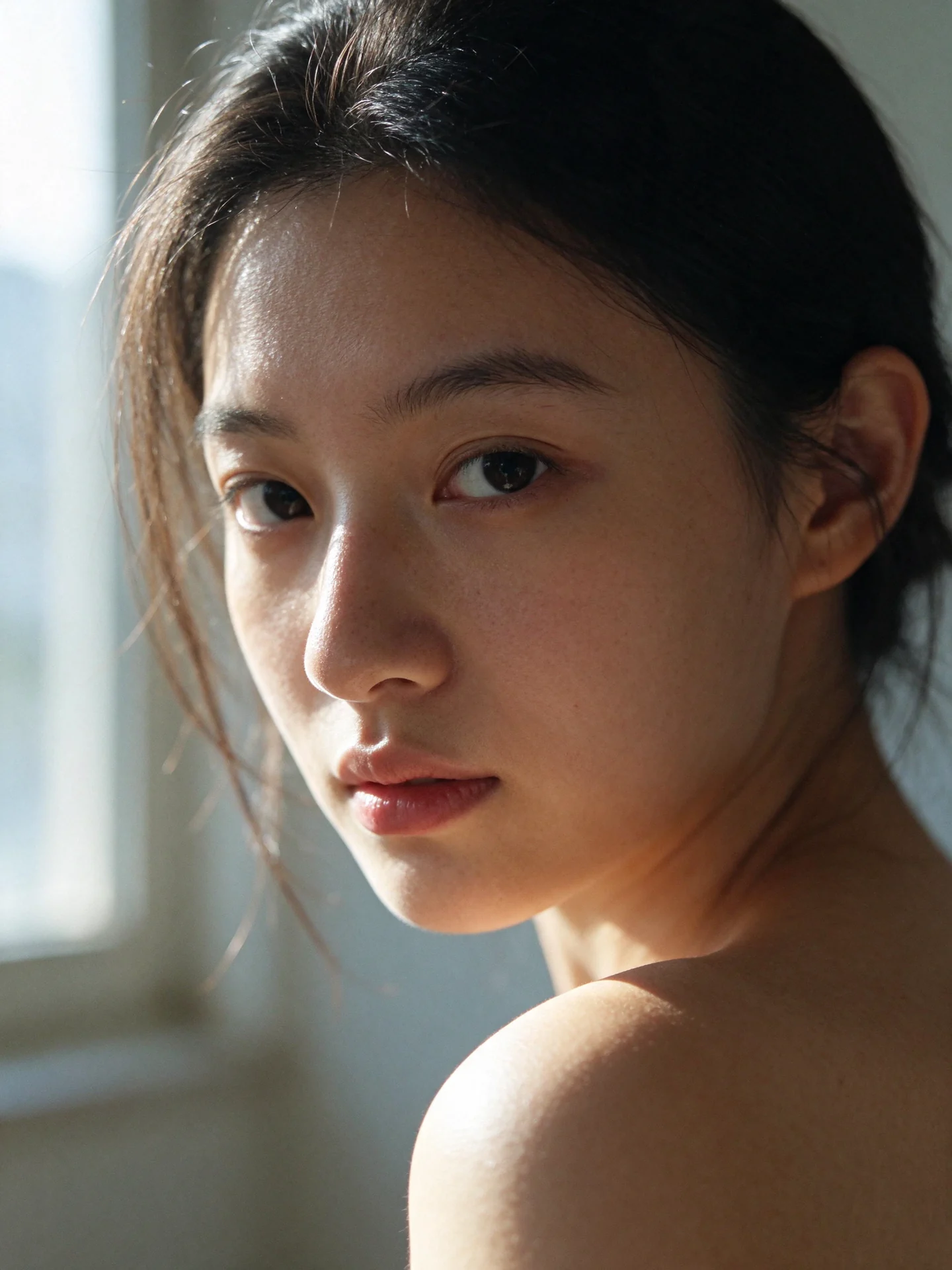
Describe a Scene, Then See It Take Shape
Promptchan AI turns a written idea into an image. Define the subject, environment, lighting and mood to establish what belongs in the frame. A clear visual brief gives the generator more direction than a string of unrelated adjectives, and makes the next revision easier to describe when you review the result.
Promptchan AI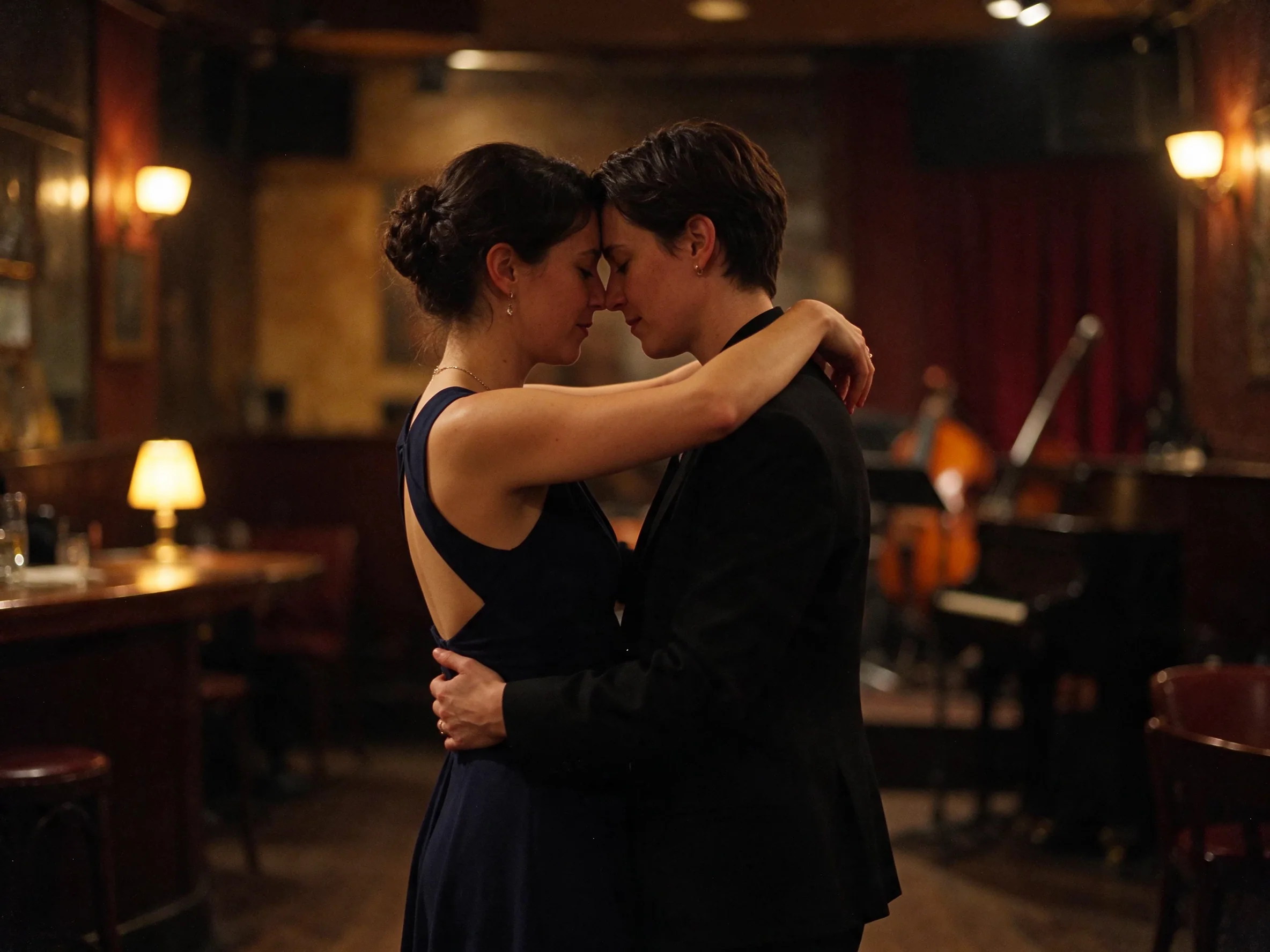
Explore Photographic and Illustrated Looks
Promptchan AI supports photographic, anime and illustrated styles, with compatible filters for different visual treatments. Compared with changing every detail of a prompt, selecting a different look offers a more focused way to explore the same idea. Keep the subject recognizable while considering softer colors, dramatic contrast or a more graphic finish.
Promptchan AI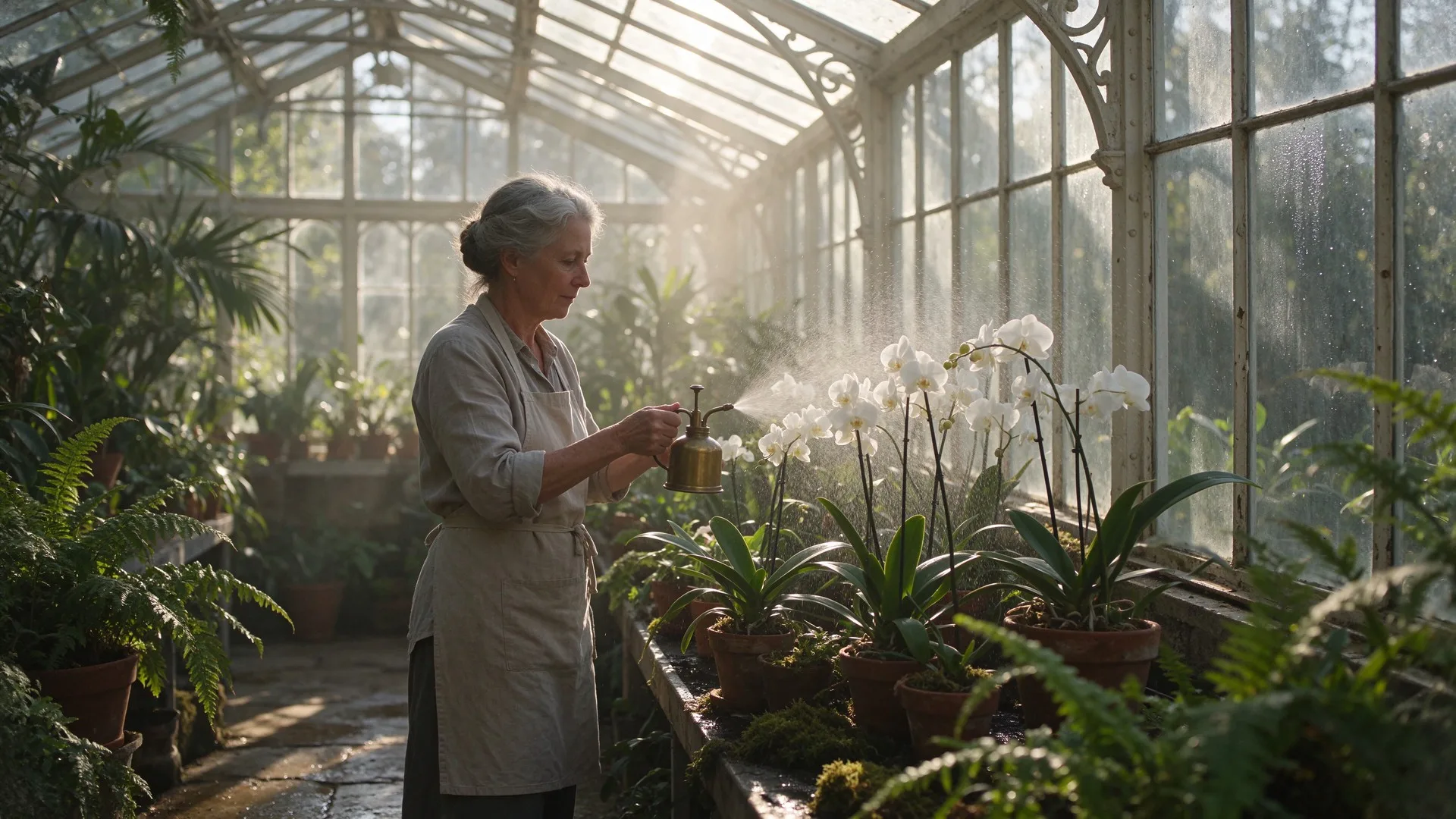
Direct the Pose and the Camera View
Pose and composition controls help Promptchan AI shape how a subject occupies the frame. Camera language can add further direction: a close-up emphasizes expression, while a full shot includes stance and surroundings. Combine one clear action with a deliberate viewpoint so the pose, framing and background support the same image.
Promptchan AI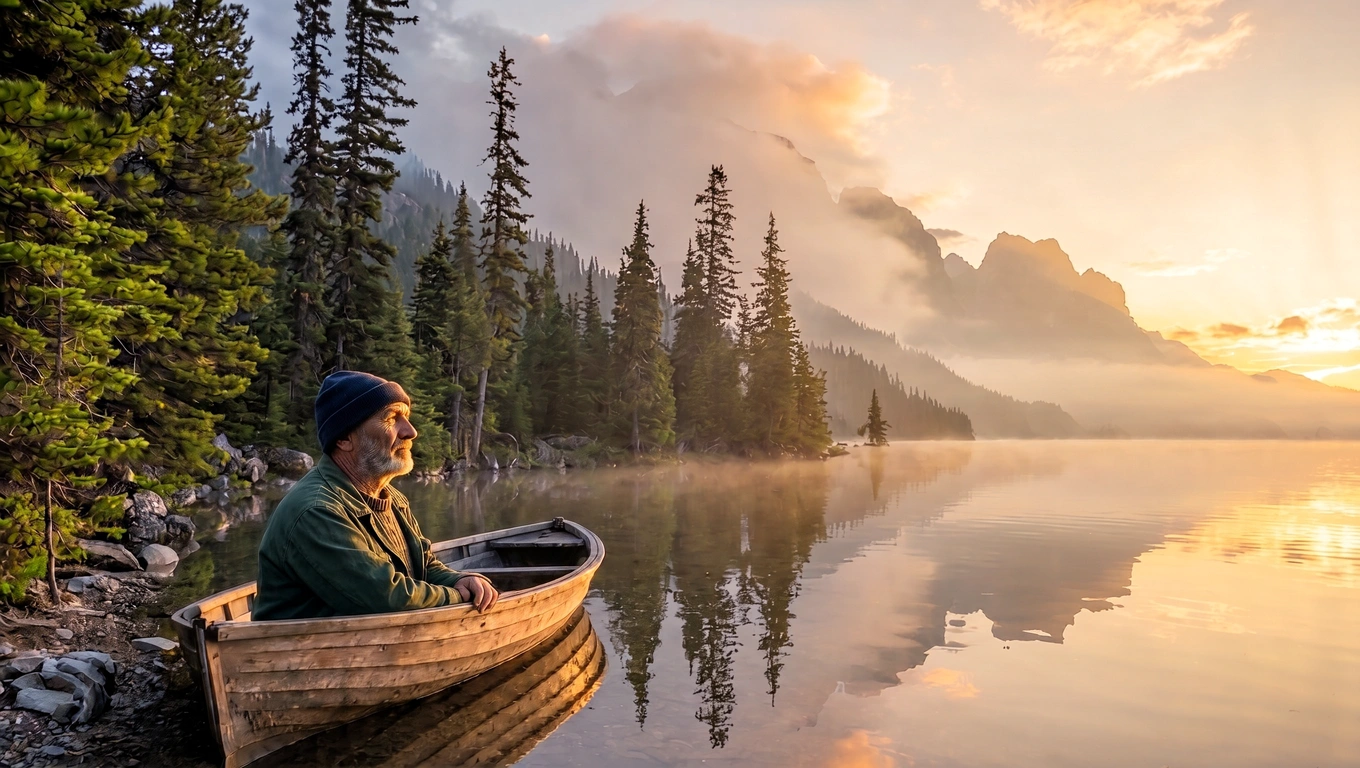
Build Variations from an Existing Idea
Promptchan AI can clone a shared gallery creation or revisit your own generated image with its prompt and settings. This provides a starting point for variations instead of a blank description. Change the atmosphere, styling or scene while keeping the parts you want to explore; results can still vary between generations.
Promptchan AITake Your Concept from Brief to Download
Use the image studio above to develop an idea inspired by Promptchan AI image creation. The selected model determines the available settings.
1. Write Your Visual Brief
Choose Text to Image in the studio and describe one subject, a setting and a lighting direction. For an existing picture, choose Image to Image and add the reference images you want the selected model to use.
2. Choose the Look and Frame
Select a model by its displayed name, then choose an available aspect ratio and resolution. Add style and framing to your prompt. Generate a version and compare it with your brief before changing more details.
3. Review, Refine and Download
Check the finished image for expression, composition and small details. Adjust the prompt or references if needed, then download your preferred result. Keep the wording that produced the direction you liked.
Why Explore Images with Promptchan AI?
Bring text, visual styles and composition into the same creative process, with decisions you can explain and refine.
🎯 Give Each Revision a Purpose
Give each revision one goal, such as softer light or a calmer expression. Keeping a simple visual brief makes it easier to assess whether a new version improves the image.
🎨 Compare Styles Around One Idea
Photographic and anime directions can produce different readings of the same subject. Compare their mood and visual language while holding the central idea steady to see which treatment fits your brief.
🧭 Start from a Useful Reference Point
Compared with an empty prompt, a shared creation with visible settings offers a concrete starting point. Explore variations to turn a broad preference into choices you can identify and adjust.
👤 Develop Fictional Character Concepts
Explore a fictional adult character through clothing, expression and environment. Keep a short identity description, then vary one element at a time to find the combination that communicates the personality.
🎬 Plan a Scene Before Production
Consider how a written moment might look through camera distance, light direction and atmosphere. Give a story concept or mood board a clearer visual starting point before further creative work.
🖼️ Explore Visual Directions for a Project
Bring together a palette, mood and subject for an illustration brief or personal collection. Review each result for coherence before deciding which visual direction deserves another round of refinement.
What Creators Are Saying About Promptchan AI
Feedback from creators exploring images and creative ideas with Promptchan AI.
Character Designer
For Promptchan AI, I would start with a fictional adult character and unlimited ideas for settings, then narrow the brief to one expression and one lighting direction.
Illustration Enthusiast
I would explore Promptchan AI with unrestricted imagination for color and mood, while keeping the subject simple enough to compare a photographic direction with an illustrated one.
Visual Storyteller
My Promptchan AI brief would use spicy concepts in the sense of bold palettes and dramatic contrasts. I would want the atmosphere to support the story, not overwhelm it.
Mood Board Planner
A no restriction creative mindset helps me brainstorm Promptchan AI scene ideas before choosing a focused brief. It describes my approach to ideas, not a promise about service limits.
Portrait Hobbyist
With Promptchan AI, I would compare a close-up and a wider composition using the same fictional subject. That would help me decide whether expression or environment should lead.
Creative Beginner
I would approach Promptchan AI with one clear scene and a short list of details. After reviewing a result, I would change the most distracting element before adding anything else.
Promptchan AI Image Questions
Practical answers about directing an image and refining the result.
How detailed should my first prompt be?
Give the generator a clear subject, setting, style and lighting direction. Include details that change what should be visible, such as clothing or camera distance. Adjust the most important detail first; a longer prompt is not automatically clearer.
Can I explore both realistic and anime imagery?
Photographic and anime looks are supported alongside other illustrated styles. Choose a direction that matches your idea, then keep the wording consistent. Changing the subject and style together makes a comparison harder to interpret.
How do I guide framing and composition?
Describe camera distance, viewpoint and placement together. A close-up prioritizes a face, while a wide view gives the surroundings more space. Pose controls can add direction without guaranteeing an exact arrangement; inspect the result before refining it.
Can I make variations without writing a new prompt?
A public gallery creation or your own history can carry over its prompt and settings for further changes. Modify a few choices to see their effect. Each variation is a new generation and may change details you wanted to retain.
What can help keep a fictional character recognizable?
Keep the core identity description consistent. Promptchan offers AI Character based on your own saved generated images to guide continuity. Results still need review; do not assume that an arbitrary external photo is supported as a character source.
How can I reduce details I do not want?
Promptchan supports negative prompts for unwanted elements. Focus the main description on what should appear, then list recurring distractions separately when that control is available. Exclusions guide a generation without guaranteeing flawless hands, exact text or perfect anatomy.