
AI Image Face Swap
Transform your photos with advanced AI face swapping. Upload any two images and seamlessly replace faces while preserving natural expressions, lighting, and skin tones.
Upload target face image
Face should be clearly visible, preferably front-facing
JPG/PNG/WebP, Max 5MB
Upload source image
JPG/PNG/WebP, Max 5MB
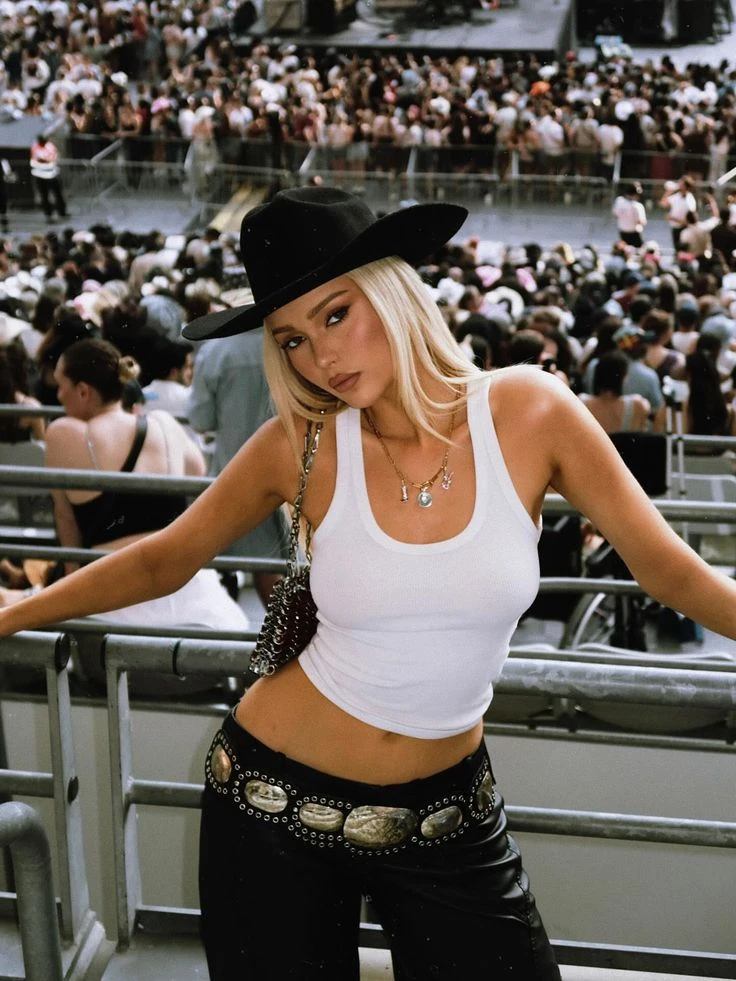
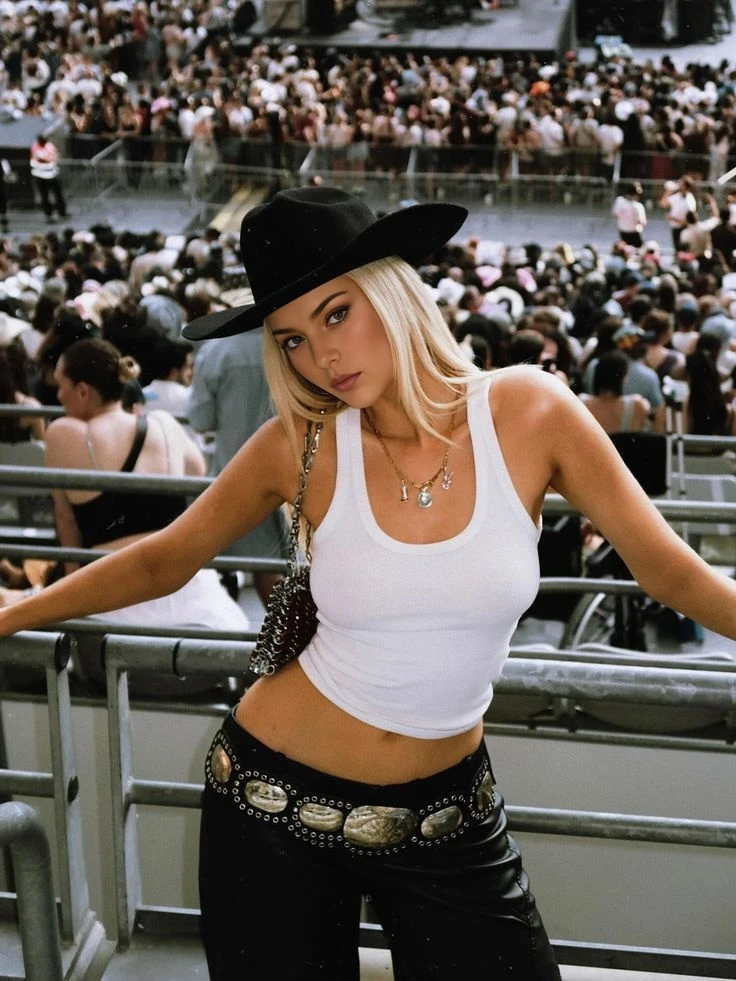
Next Step:
Seamless Face Replacement in Any Photo
AI image face swap technology analyzes facial features and intelligently blends them onto new photos—creating natural-looking results in seconds.
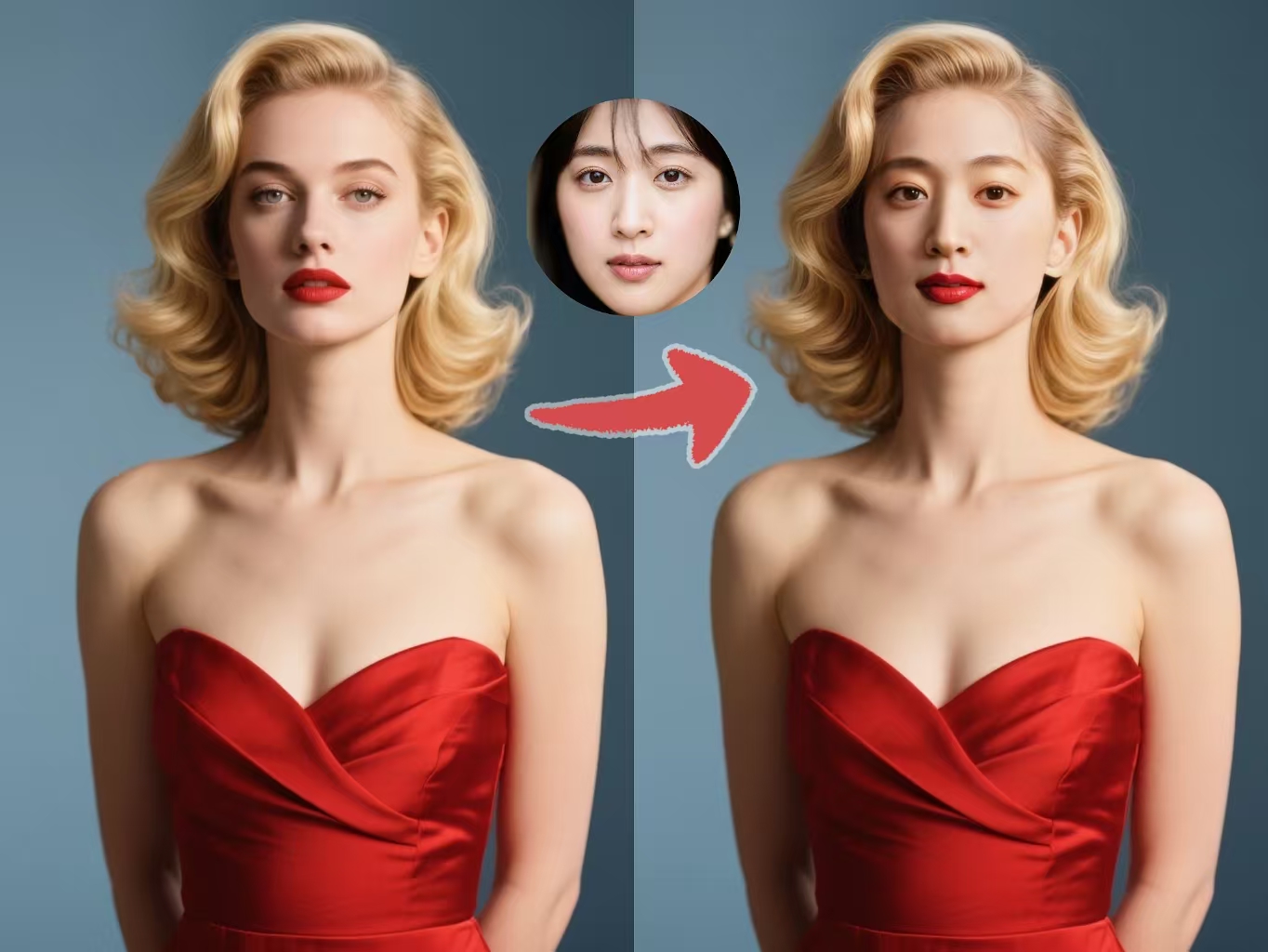
One-Click Face Detection and Swap
Our AI instantly identifies faces in your uploaded photos, mapping key facial landmarks like eyes, nose, and mouth. Simply upload your source and target images, and the face swap happens automatically. The technology handles different angles, lighting conditions, and even partially visible faces—no manual selection or editing required.
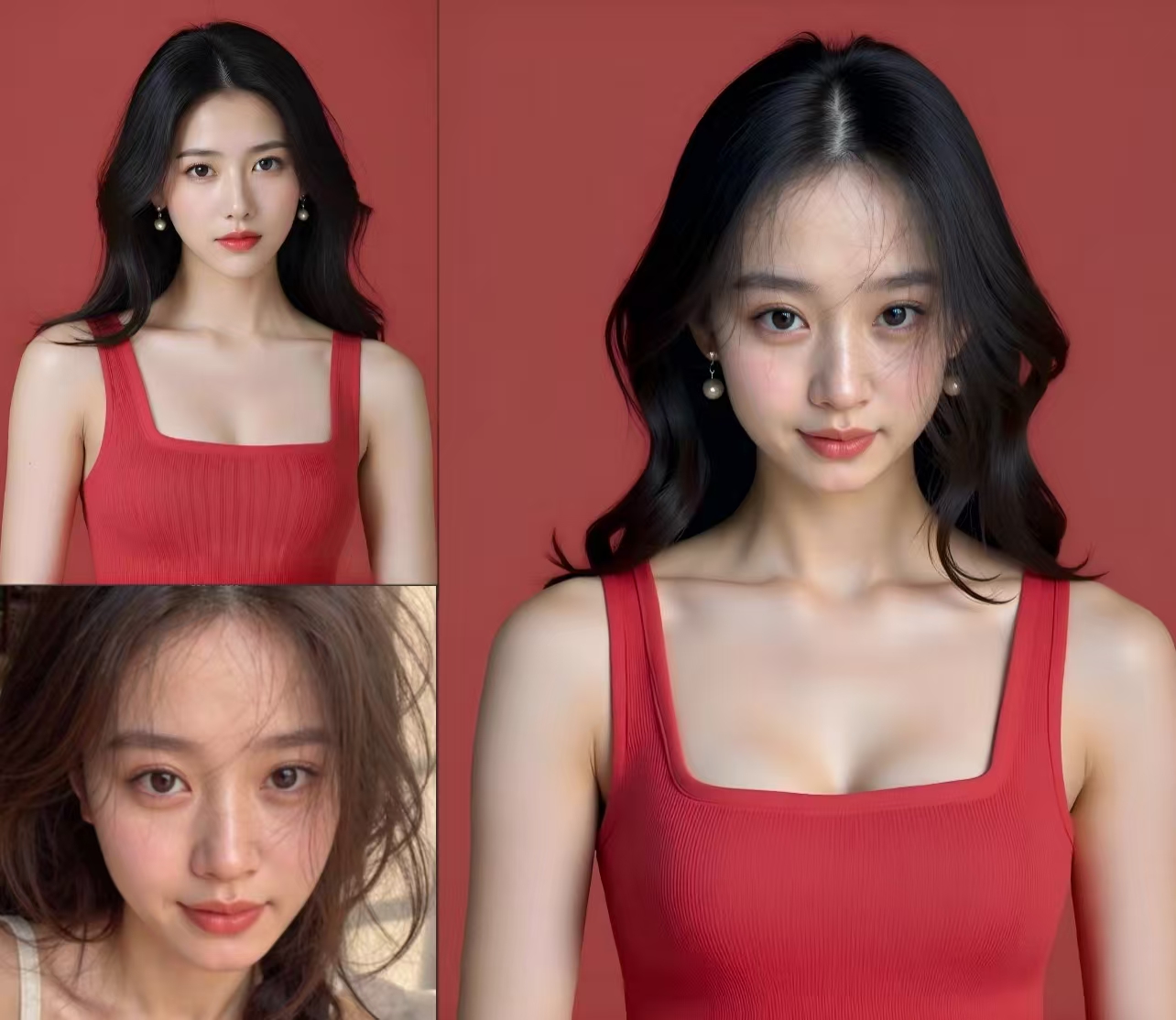
Natural Color and Texture Matching
Getting a realistic image face swap requires more than just placing one face on another. Our AI analyzes skin tones, lighting conditions, and facial textures to create seamless blending. The result looks natural because the swapped face adapts to match the target photo's environment, shadows, and color temperature.
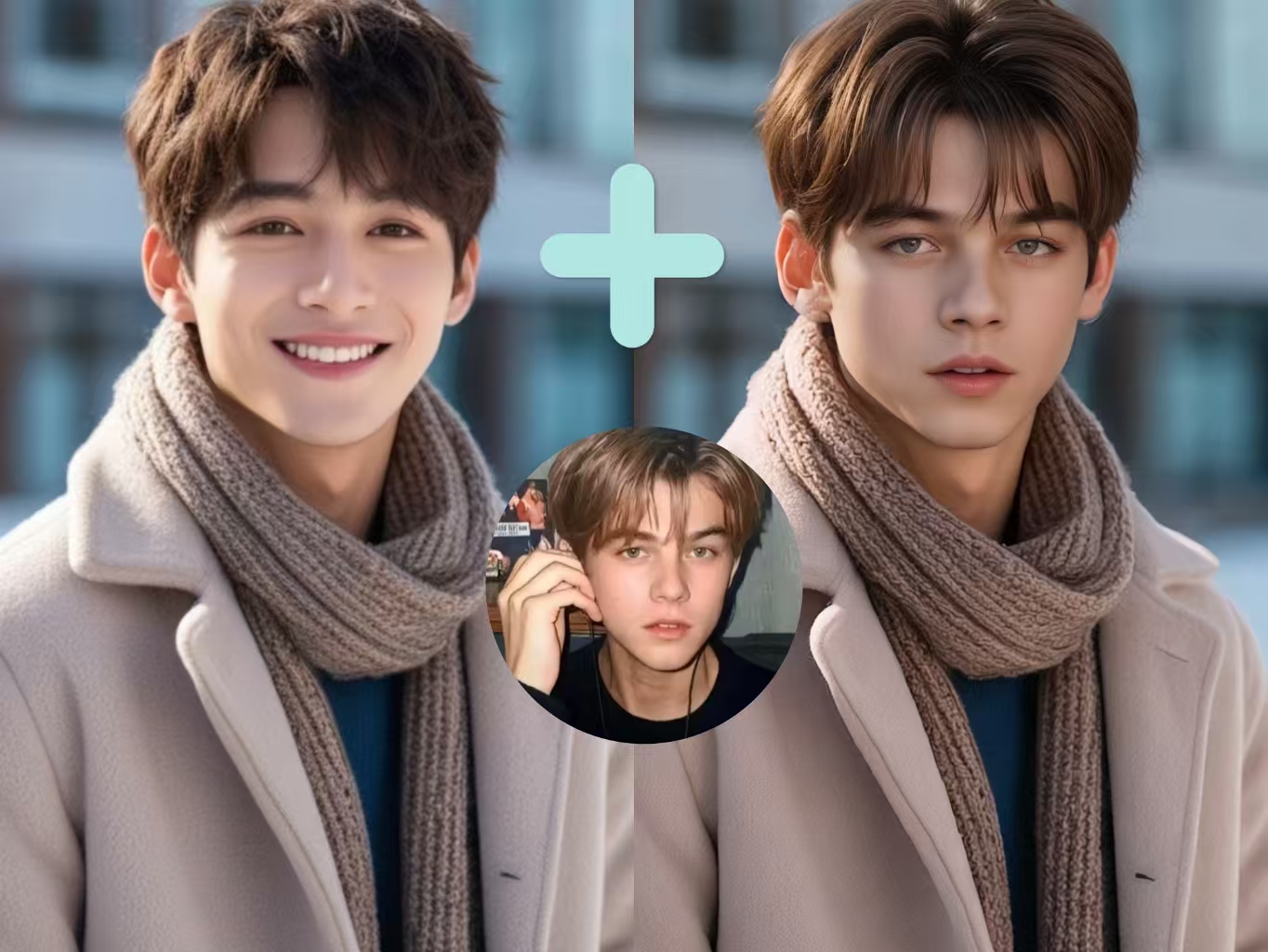
Preserve Expressions and Details
The best image face swap keeps the personality intact. Our technology preserves subtle facial expressions—smiles, raised eyebrows, squinted eyes—while transferring them to the new face. Fine details like freckles, dimples, and facial hair blend naturally, so the final image looks authentic rather than artificially edited.
Works with Any Photo Format
Upload photos in JPEG, PNG, WebP, or HEIC formats—whatever your camera or phone uses. The AI processes images up to 6000 pixels in resolution, so you can use high-quality photos for professional results. Download your swapped images in your preferred format, optimized for sharing on social media or printing.
Swap Faces in 3 Simple Steps
From upload to download—create professional face swaps without any editing skills
Upload Your Photos
Select two images: the source photo containing the face you want to use, and the target photo where you want to place it. Both images should clearly show the faces—frontal or slight angles work best. Supported formats include JPEG, PNG, WebP, and HEIC up to 5MB each.
Preview and Adjust
The AI automatically detects faces in both images. Preview the face swap result before finalizing. If multiple faces appear in your photos, select which specific faces to swap. The preview shows how the blending will look in the final output.
Download Your Result
Click generate to create your face swap. The AI processes your request in seconds, delivering a high-resolution result. Download your swapped image in JPEG or PNG format, ready to share on social media or use in your creative projects.
What Makes Our Image Face Swap Different
Advanced AI technology that delivers realistic face swaps without the learning curve.
⚡ Results in Seconds, Not Minutes
Most face swap tools make you wait. Our AI completes the entire process—face detection, analysis, blending, and rendering—in under 10 seconds. No queues, no waiting rooms, just instant results.
🎨 Automatic Color Correction
Other tools often produce obvious paste-jobs with mismatched skin tones. Our AI analyzes the lighting and color temperature of your target photo, then adjusts the swapped face to match perfectly.
📐 Handles Difficult Angles
Side profiles and tilted heads cause most face swap tools to fail. Our technology uses 3D facial mapping to handle angles up to 45 degrees, producing natural results even when faces aren't perfectly frontal.
🎭 Perfect for Costume and Cosplay Photos
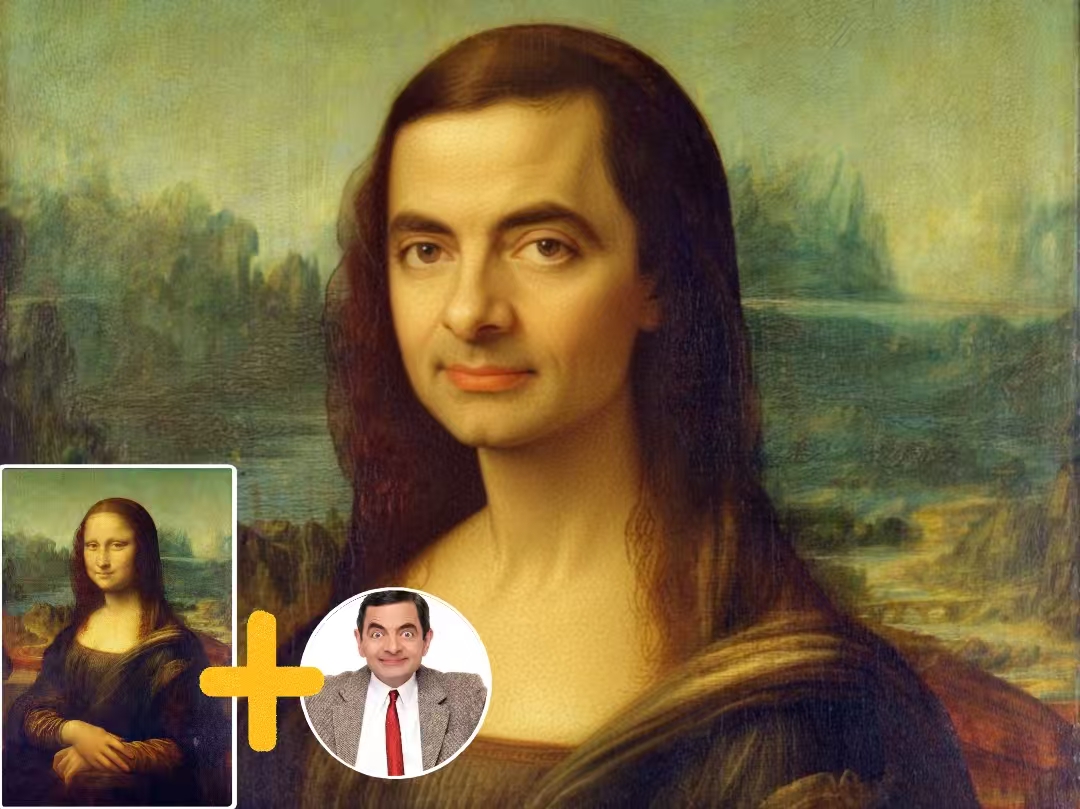
See yourself as your favorite character or try on different looks. Swap your face into movie scenes, historical portraits, or fantasy settings while the AI maintains realistic blending with costumes and backgrounds.
👨👩👧👦 Create Fun Family Photos
Couldn't get everyone together for a group shot? Swap in faces from different photos to create the perfect family portrait. The AI matches lighting and positioning so everyone looks like they were there.
🔒 Your Photos Stay Private
All processing happens in real-time and images are deleted immediately after your session. We don't store your uploaded photos or generated results on our servers—your privacy is protected.
Image Face Swap FAQ
Common questions about using our AI face swap tool for photos.
What image formats does the face swap tool support?
Our image face swap accepts JPEG, PNG, WebP, and HEIC formats. Files can be up to 5MB in size with resolutions between 300 and 6000 pixels. For best results, use clear, well-lit photos where faces are clearly visible. The output is delivered as high-quality JPEG or PNG.
What are the legal and ethical guidelines for using face swap?
Face swap technology should only be used responsibly and legally. Never use it to create deceptive content, impersonate others without consent, or produce harmful material. Always obtain permission before swapping someone else's face, and never use face swapped images for fraud, harassment, or any illegal purposes. Misuse may violate privacy laws and result in legal consequences.
What makes a good source photo for face swapping?
The best source photos have clear, well-lit faces without heavy shadows or obstructions like sunglasses or hands. Frontal angles work best, though our AI handles side profiles up to 45 degrees. Higher resolution photos produce sharper, more detailed results.
Will the face swap look natural with different skin tones?
Our AI automatically adjusts skin tones, lighting, and color temperature to create natural blending. It analyzes the target photo's environment and adapts the swapped face accordingly. The technology handles differences in skin tone between source and target photos for realistic results.
Can I use face swapped images for commercial projects?
Yes, images created with our face swap tool can be used for personal and commercial purposes including social media content, marketing materials, and creative projects. Ensure you have rights to use the original photos and that your use complies with applicable laws regarding likeness rights.
How do I get the most realistic face swap results?
For best results: crop your source image to show only the face rather than a full-body shot—close-up face photos produce much better results. Use high-resolution photos with similar lighting conditions, choose images where both faces have comparable angles, avoid photos with heavy makeup or filters that alter facial features, and select source faces with neutral or matching expressions to your target photo.